

Waveform Visualizer Templates
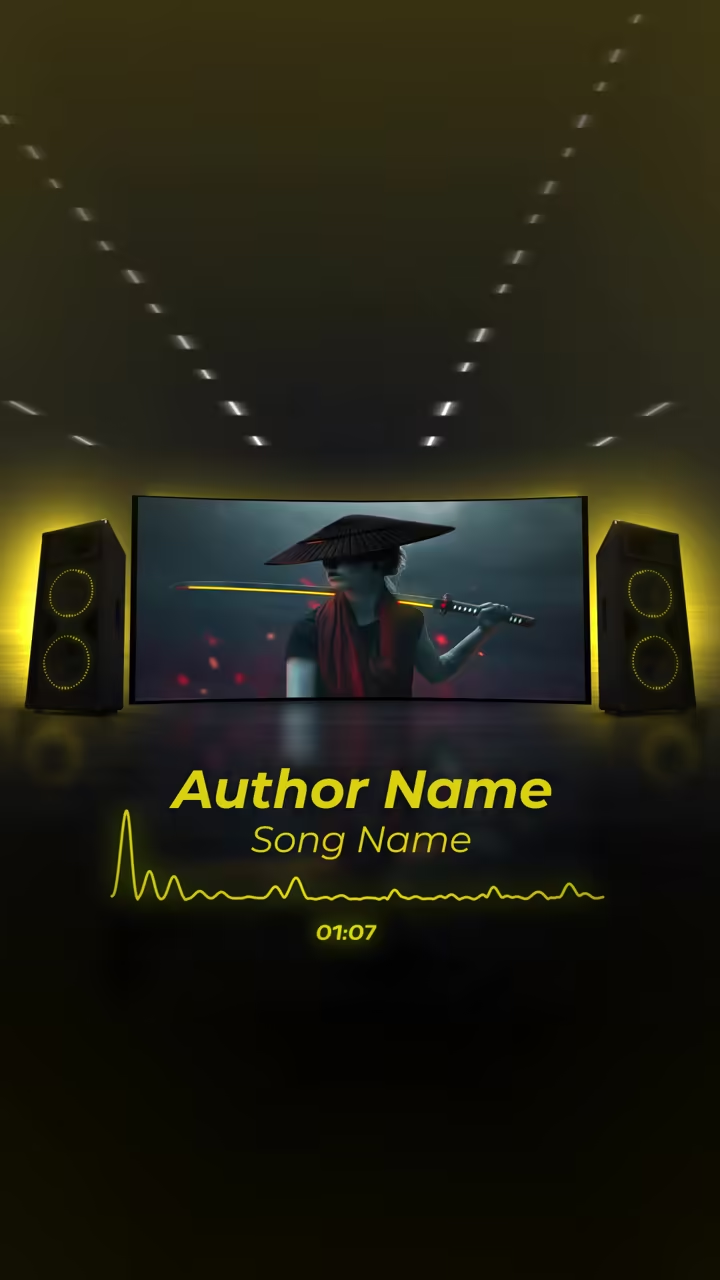
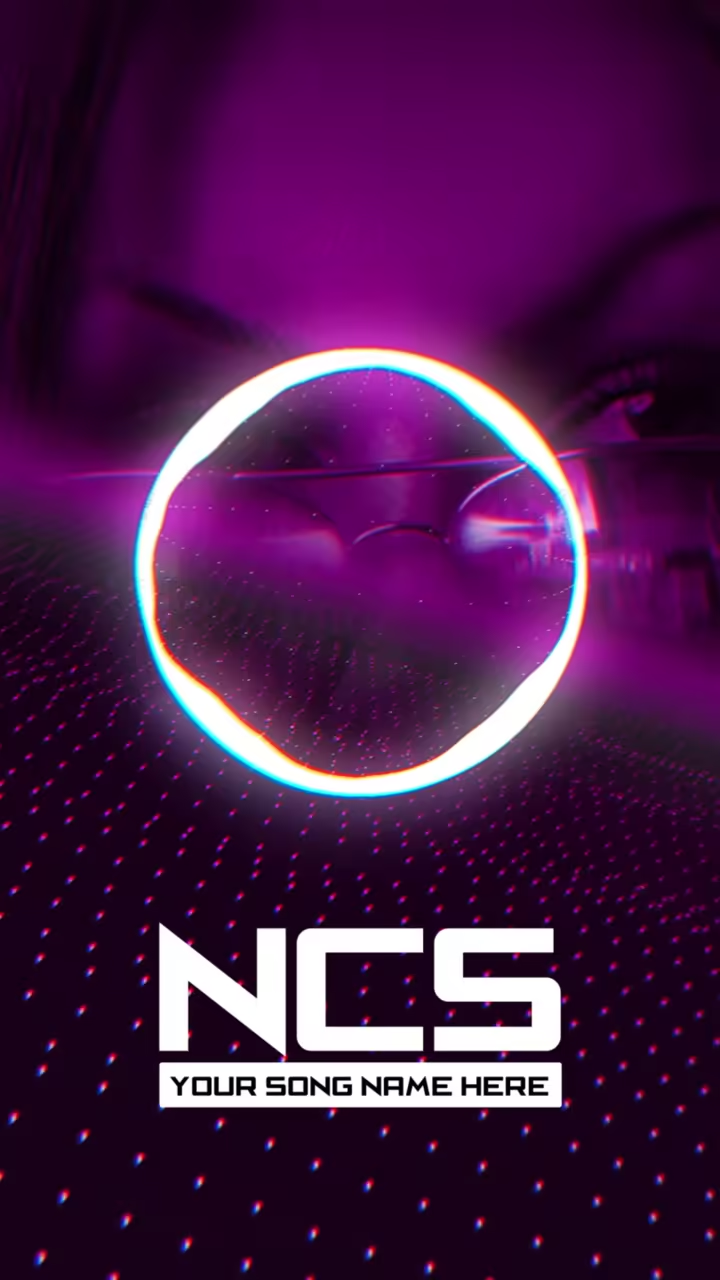
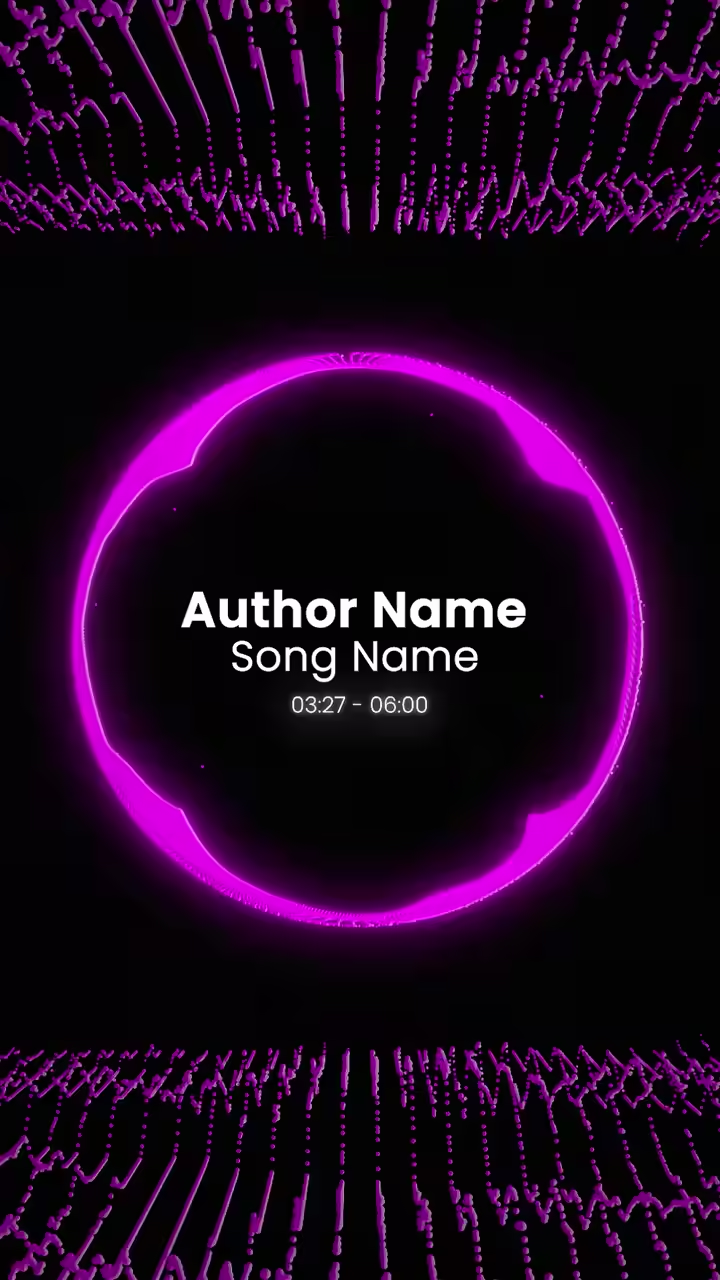
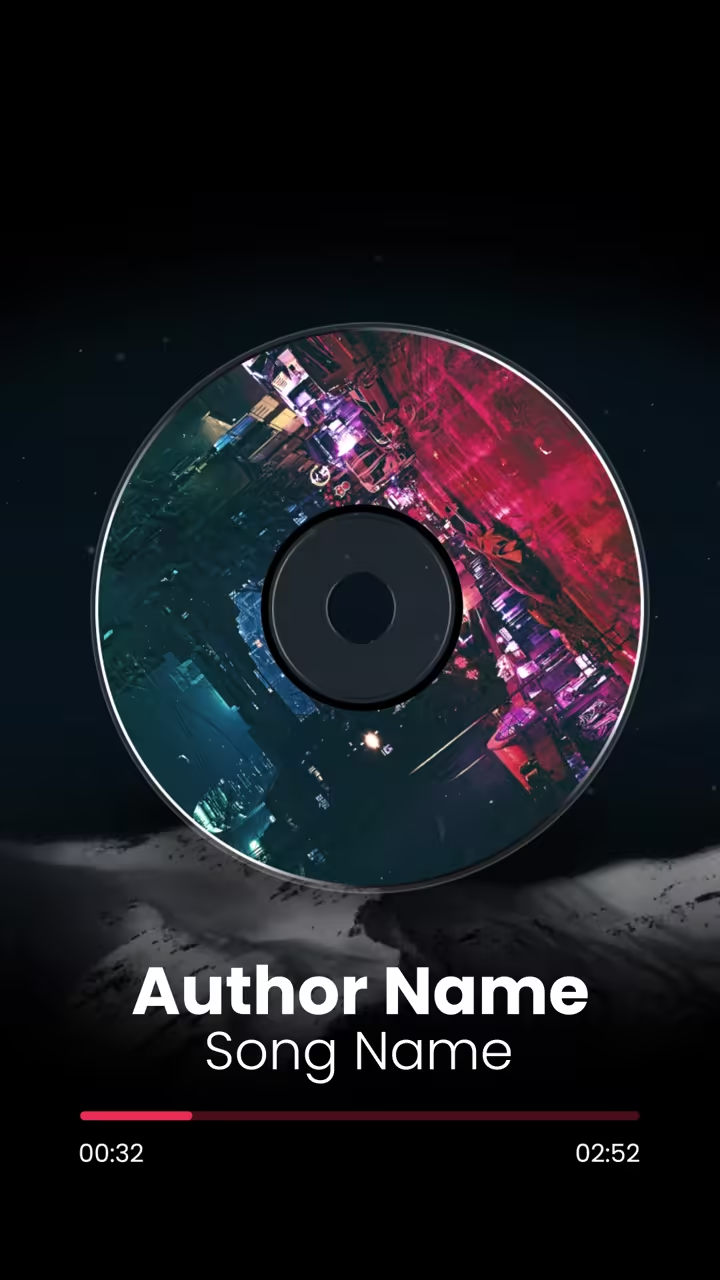
A waveform visualizer turns the sound itself into the picture: a line, a ribbon or a mirrored wave that swells with the kick and settles in the quiet parts. Every frame is drawn from the audio you upload, so the motion is your song and nobody else's. Put your cover art and title in the frame, pick colours that match the release, and you have a clean video for YouTube, a podcast clip or a Spotify upload.




How to make it
Pick a template
Open any card below in the editor.
Upload your song
The visual is drawn from your audio.
Export
Add your cover and title, then export.
Questions
Does the waveform really follow my track?
Yes. The shape is computed from your audio, so loud passages push it up and silence flattens it.
Can I use a waveform visualizer for a podcast?
Yes. Speech drives the wave just like music does, which makes it a simple way to post an episode clip as video.
Can I change the colour of the wave?
Where a template opens its colours in the editor, you can set the wave and background to match your release.
Can I try these templates for free?
Yes. Build and preview any template with no account. A free account exports with a small watermark; the paid plan removes it and adds higher resolutions and the 9:16 export.