

Circular Audio Visualizer Templates
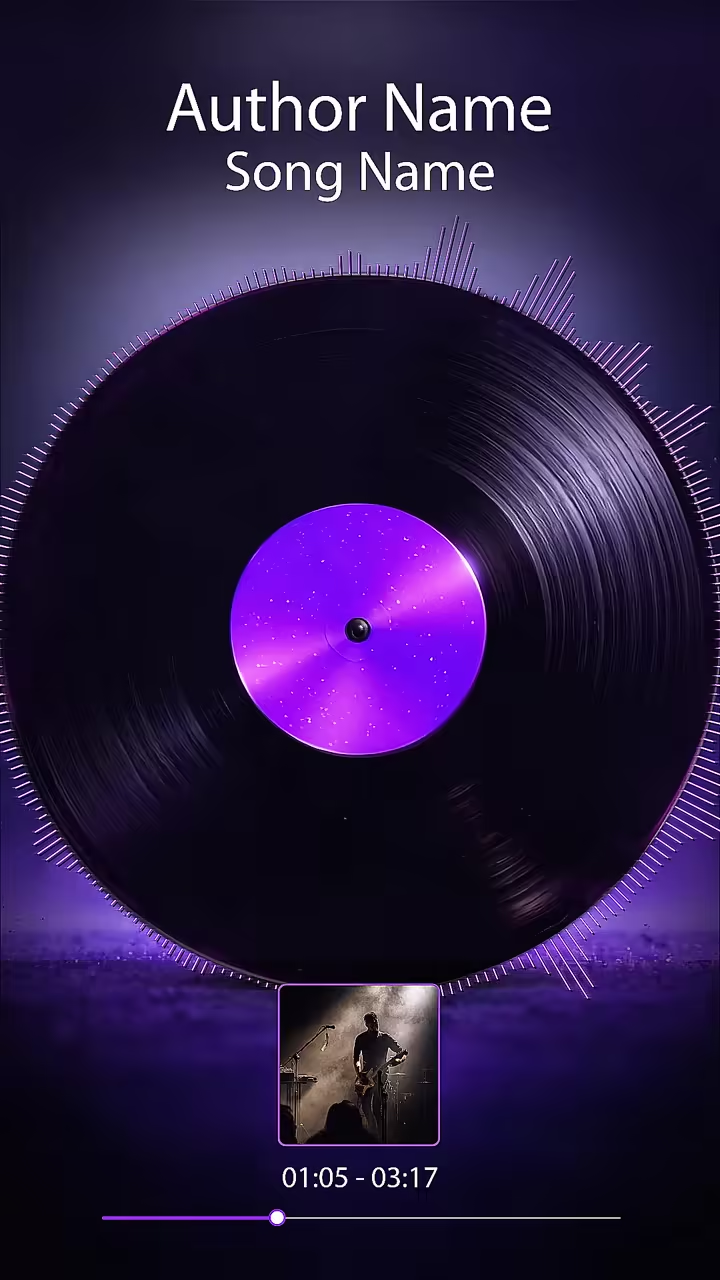
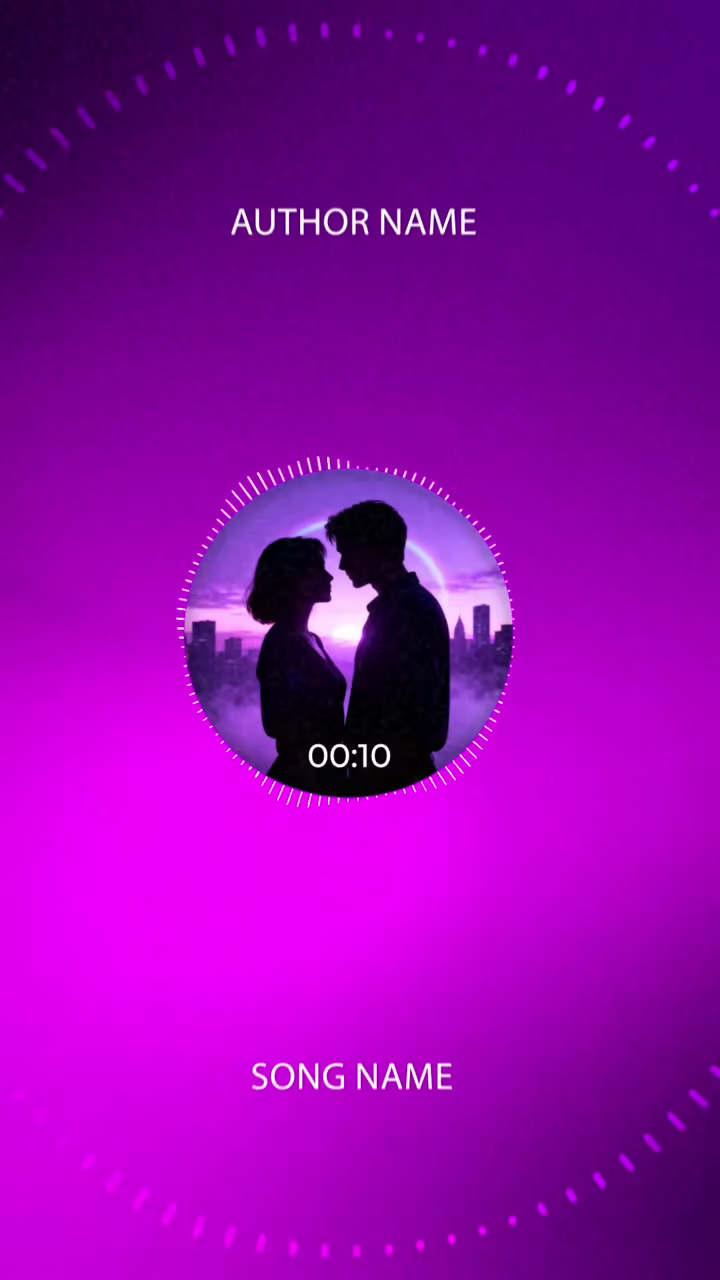
A circular audio visualizer wraps the spectrum into a ring around your artwork, so the cover sits at the centre and the sound radiates out from it. It is the look of many music channels because it keeps the release front and centre while the circle breathes with every beat. Each ring here is drawn from your uploaded audio. Choose a style, add the cover and title, and export a video that feels made for the track.






How to make it
Pick a template
Open any card below in the editor.
Upload your song
The visual is drawn from your audio.
Export
Add your cover and title, then export.
Questions
What goes in the middle of the circle?
Usually your cover art or logo. The ring pulses around it, so the artwork stays the focal point.
Does the ring react to the beat or the whole mix?
To the mix: each segment follows a slice of the frequency range, so kicks and vocals both show up in the motion.
Is a circular visualizer good for a Spotify Canvas?
The square artwork at the centre crops well to vertical, and the 9:16 version of each template is set for that.
Can I try these templates for free?
Yes. Build and preview any template with no account. A free account exports with a small watermark; the paid plan removes it and adds higher resolutions and the 9:16 export.