
How to Make a Lyric Video for Your Song
Get your final mix and your lyrics, pick a look, time each line to the vocal, check it, then export for YouTube and Shorts.
Or start from a template
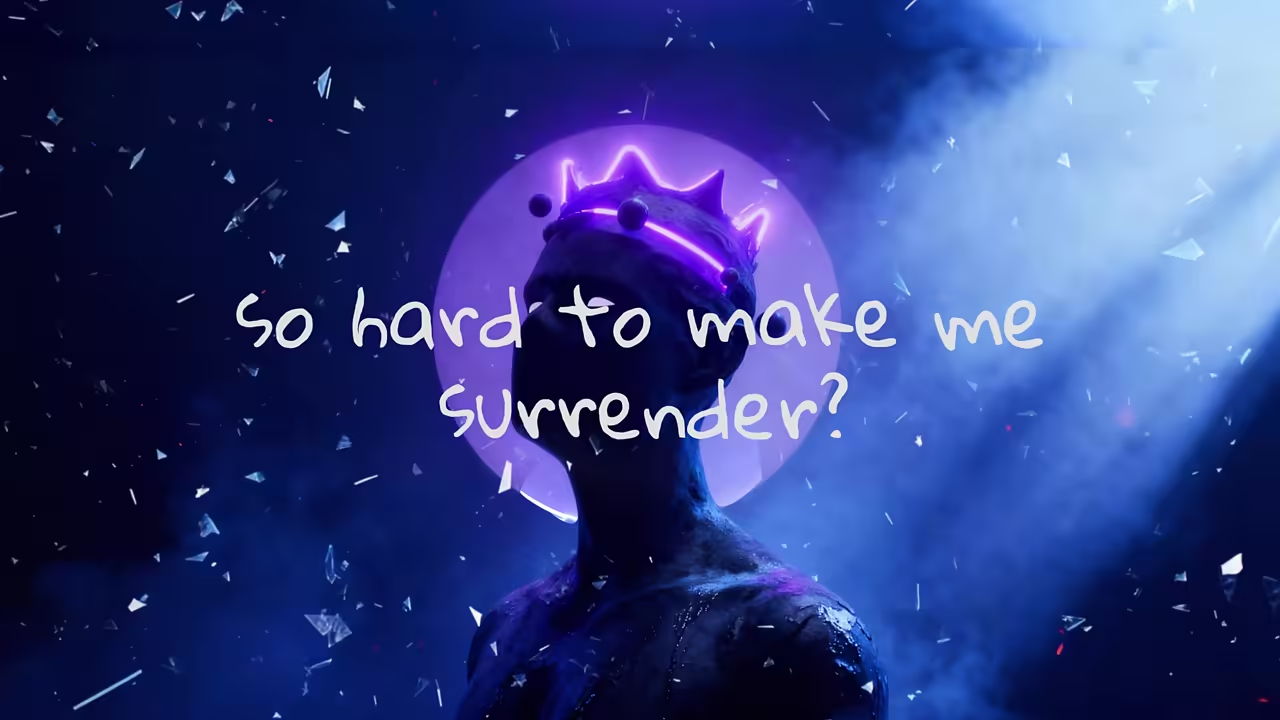
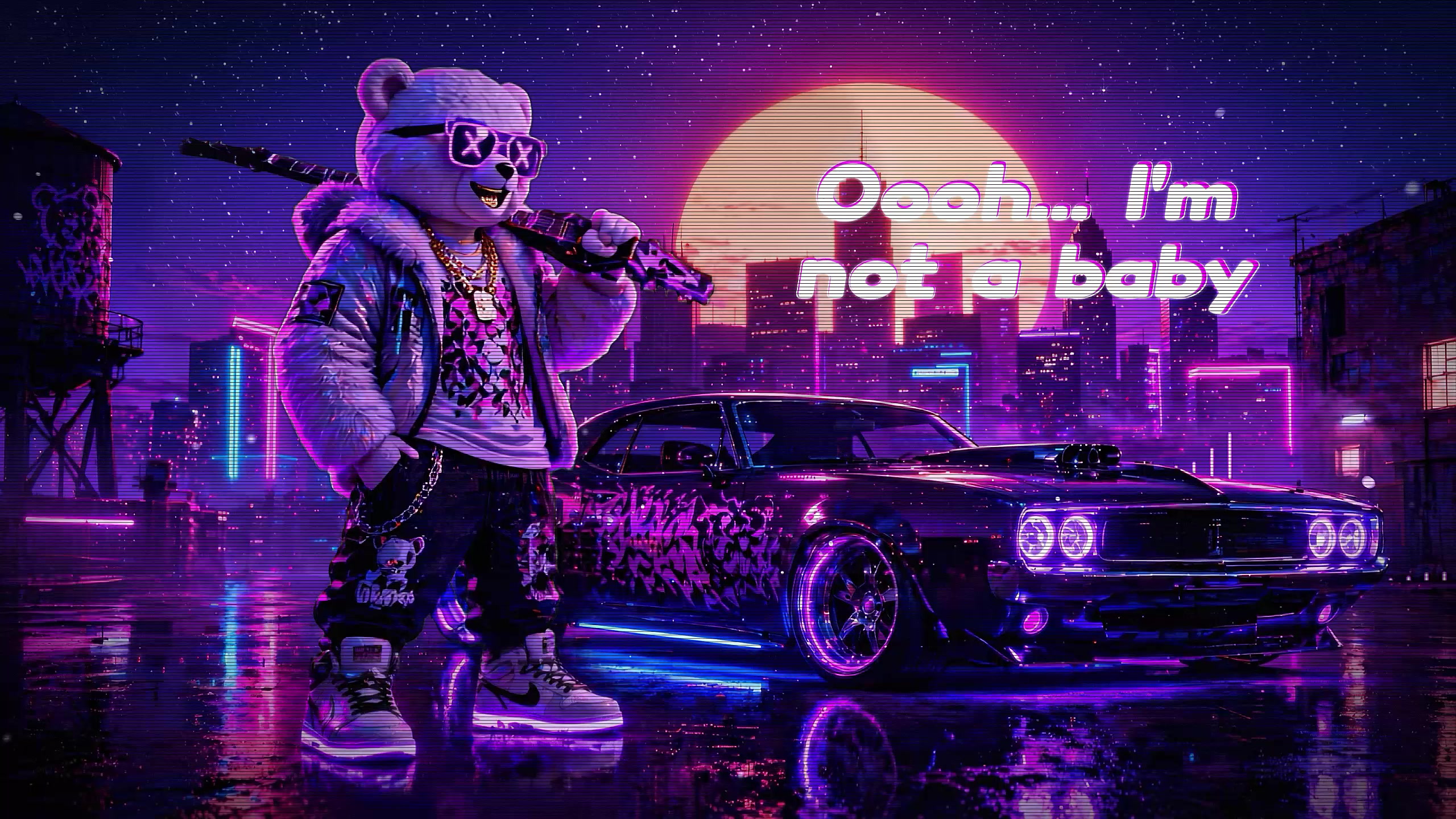

See it with a song
Glassical 1 Lyrics, one of our templates.
The short answer
A lyric video shows the words of your song on screen, each line appearing as it is sung.
You need two things: the final audio file and the lyrics as text. The rest is choosing a look and lining each line up with the vocal.
How to make a lyric video, step by step
Export the final mix
Use the finished master as an MP3 or WAV, not a rough demo, so the timing you set matches the release.
Get the lyrics as plain text
One line per sung phrase. Remove section labels like [Verse] or [Chorus], since they are not sung.
Pick a look that fits the song
Big moving words for rap and pop, calm type over a scene for acoustic, a retro screen for synth.
Time each line to the vocal
Each line should appear as the singer starts it and leave as the next one begins.
Check it all the way through
Watch the whole video once for spelling and for any line that comes in early or late.
Export for where it will live
16:9 for a YouTube video, 9:16 for Shorts, Reels and TikTok.
Make it here
Upload your song, paste your lyrics or let AI write them out, and each line is timed to the vocal for you.
If a line is wrong, click it and retype it, or move its start and end on the timeline.
You preview the whole video in the browser before you make an account.