

Videoke Maker
Upload a song and get a videoke video: the lyrics on screen, each line timed to the vocal.
Or start from a template
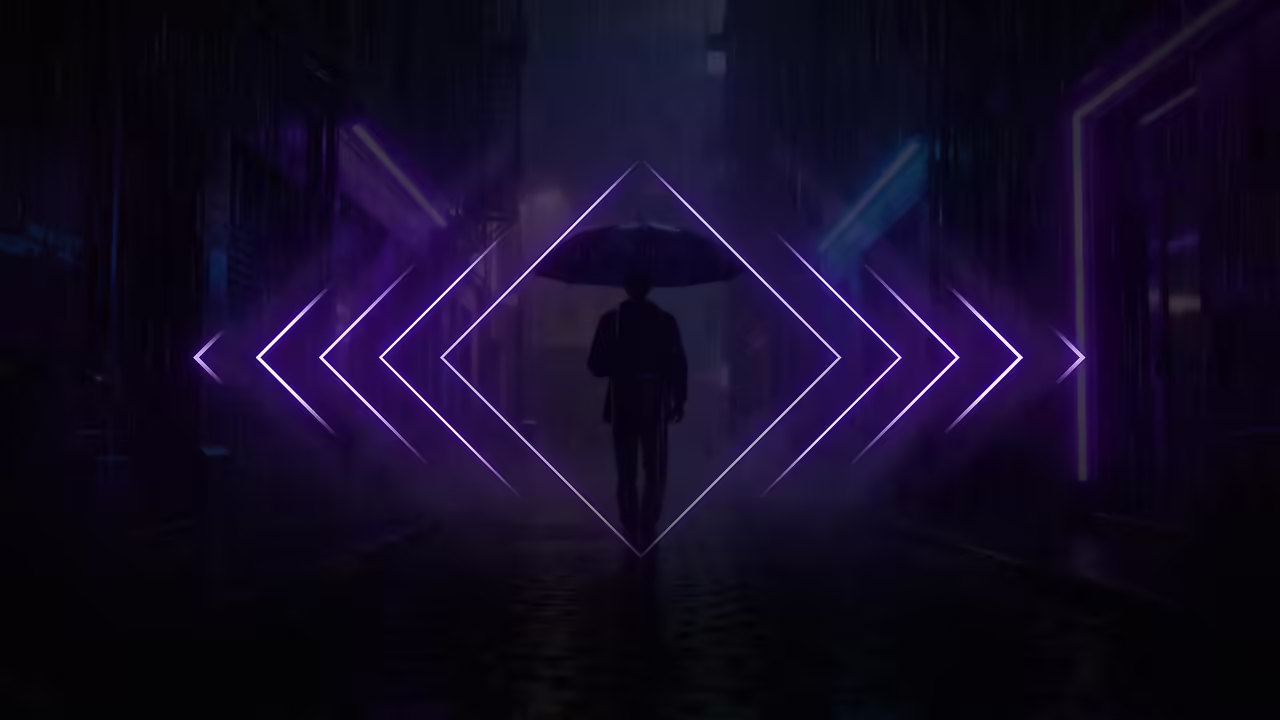
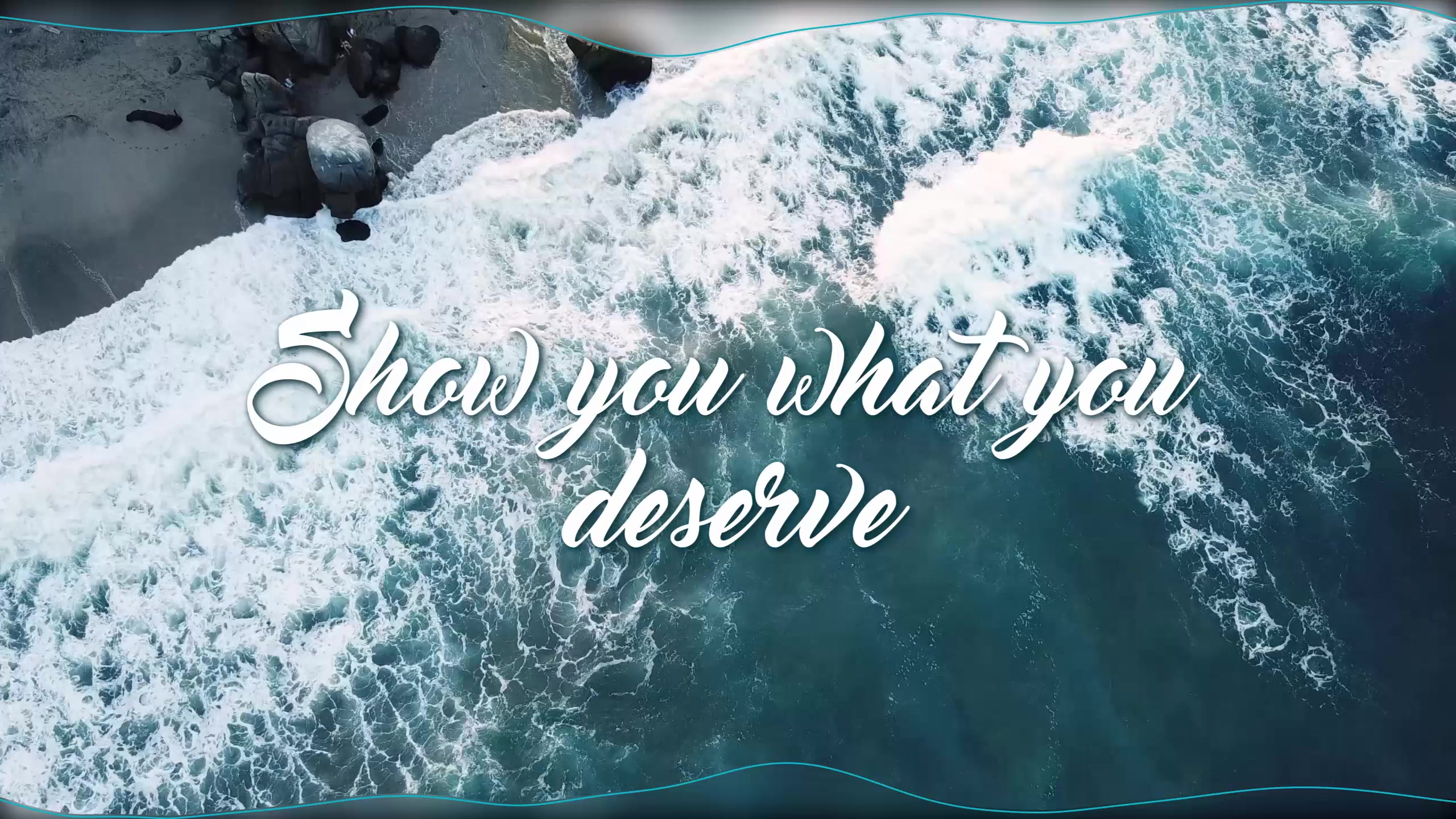
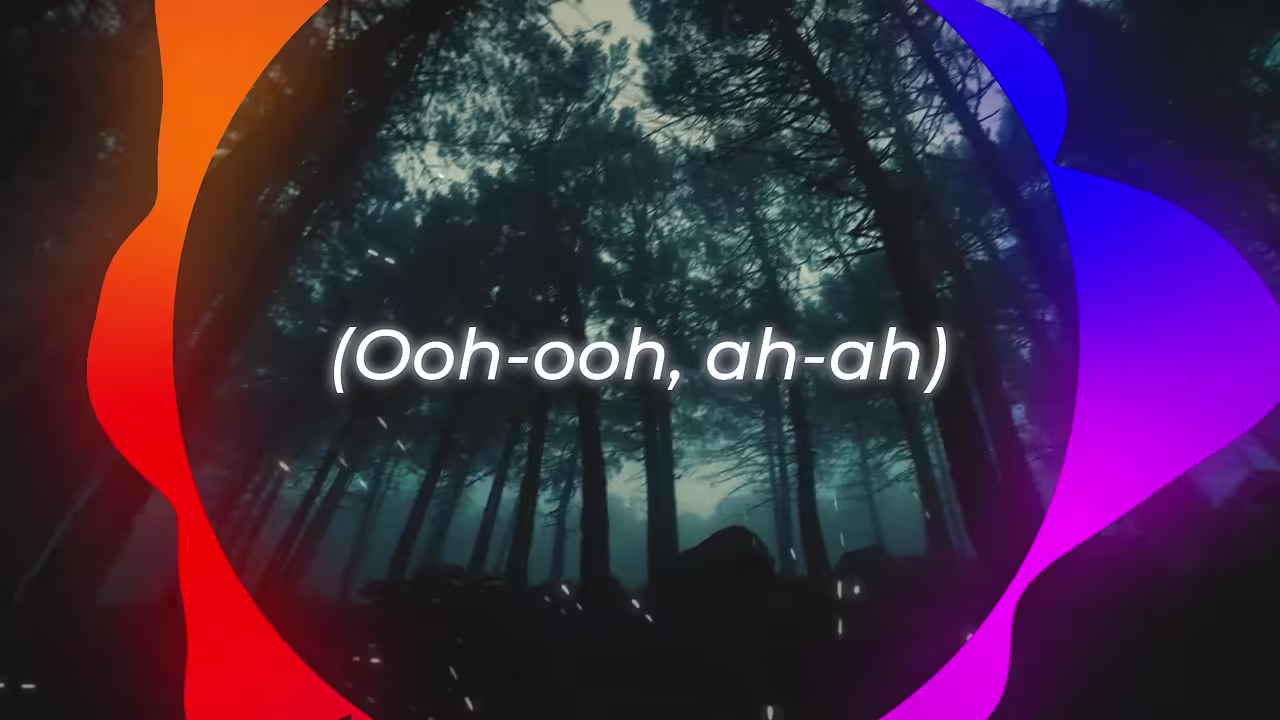
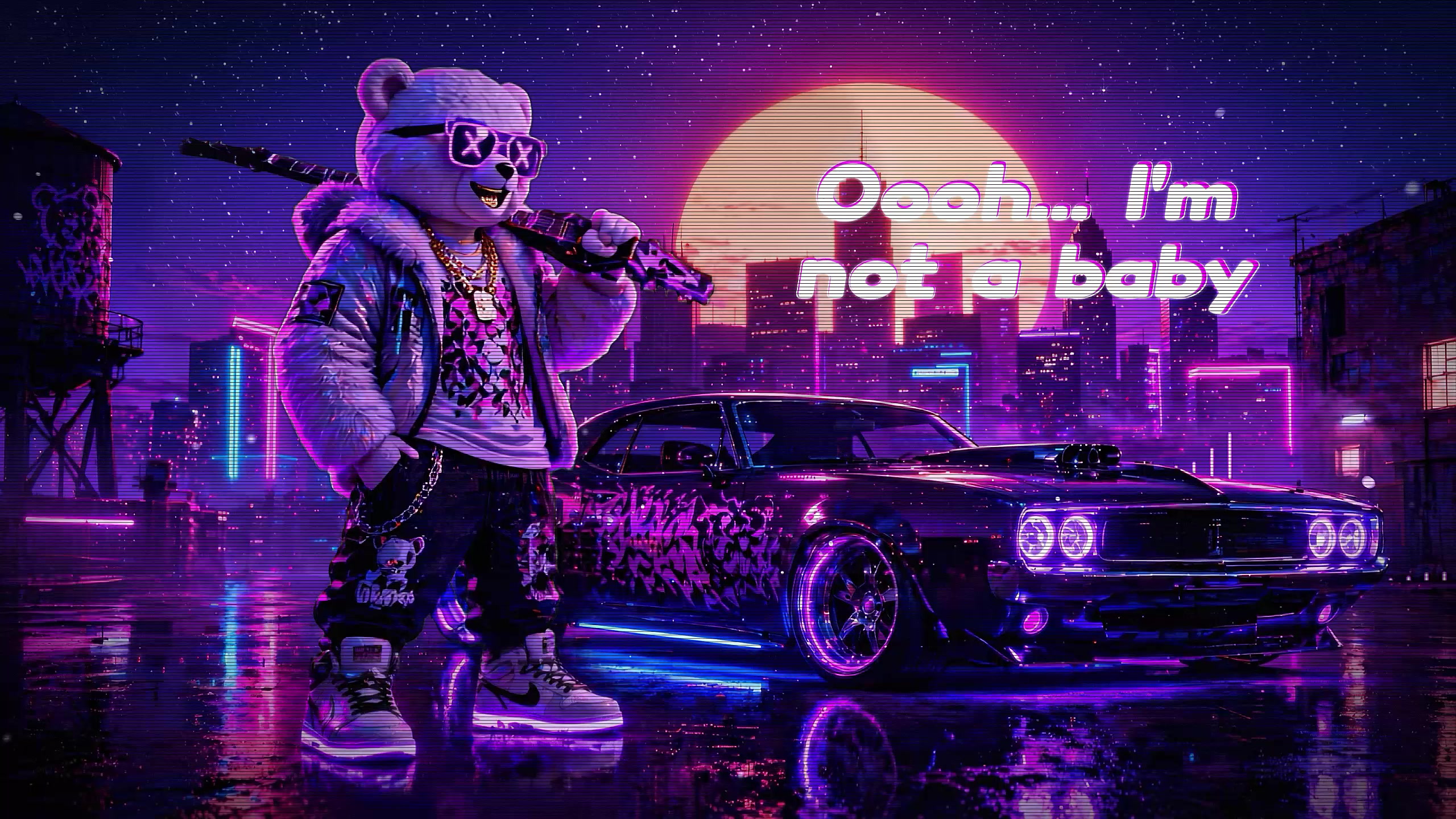
See it with a song
Beat Hero Lyrics, one of our templates.
How to make a videoke video
Three steps; AI does the timing.
Pick a lyric template
Choose a karaoke look that fills each line as it is sung.
Upload your song
MP3, WAV, FLAC, M4A or AAC, up to 100 MB, at least 15 seconds.
Check the lyrics and export
Paste them or generate them from the song. Nudge any line, then export.
Free plan: build and preview with no account. A free account exports one 720p video a day, in 16:9, with a small watermark.
Videoke templates
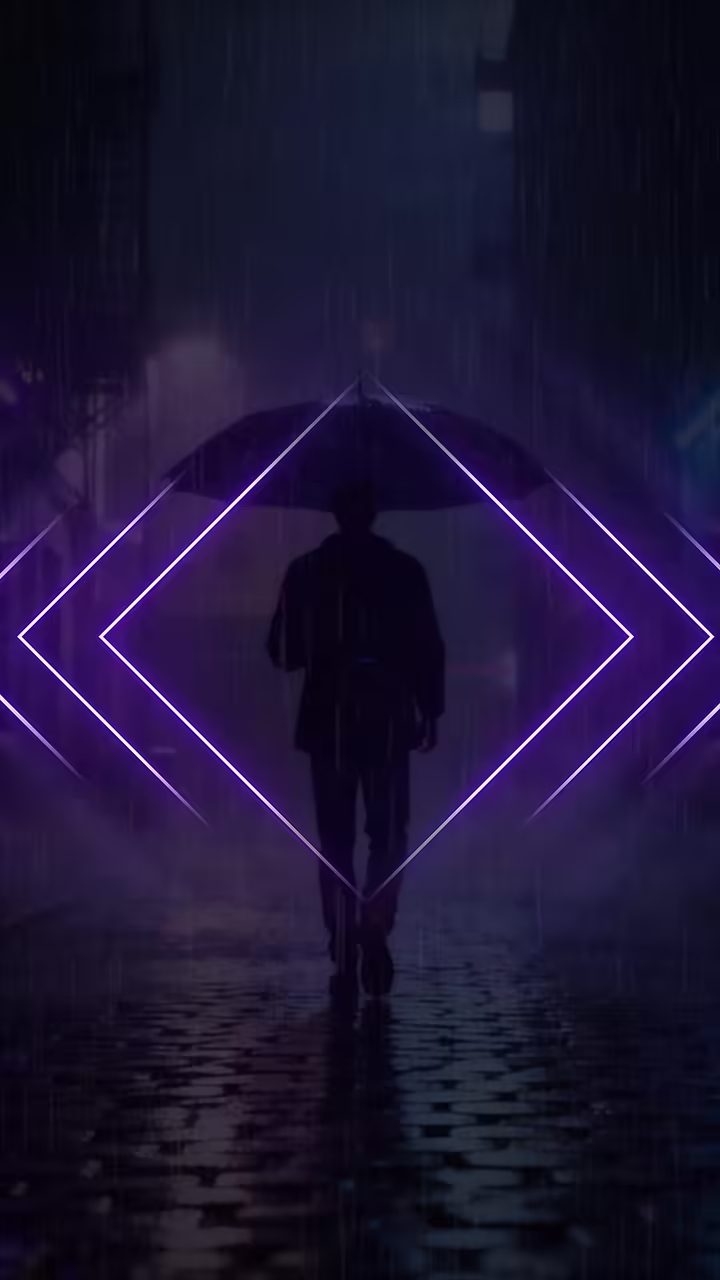
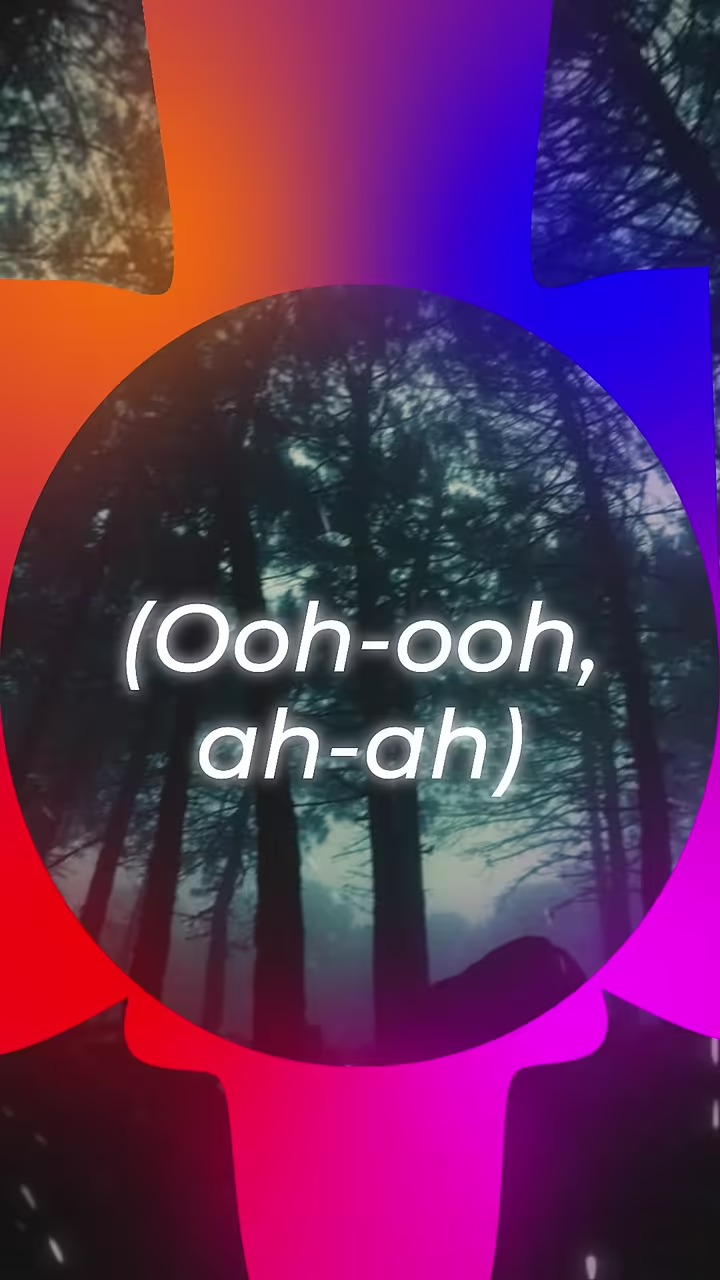
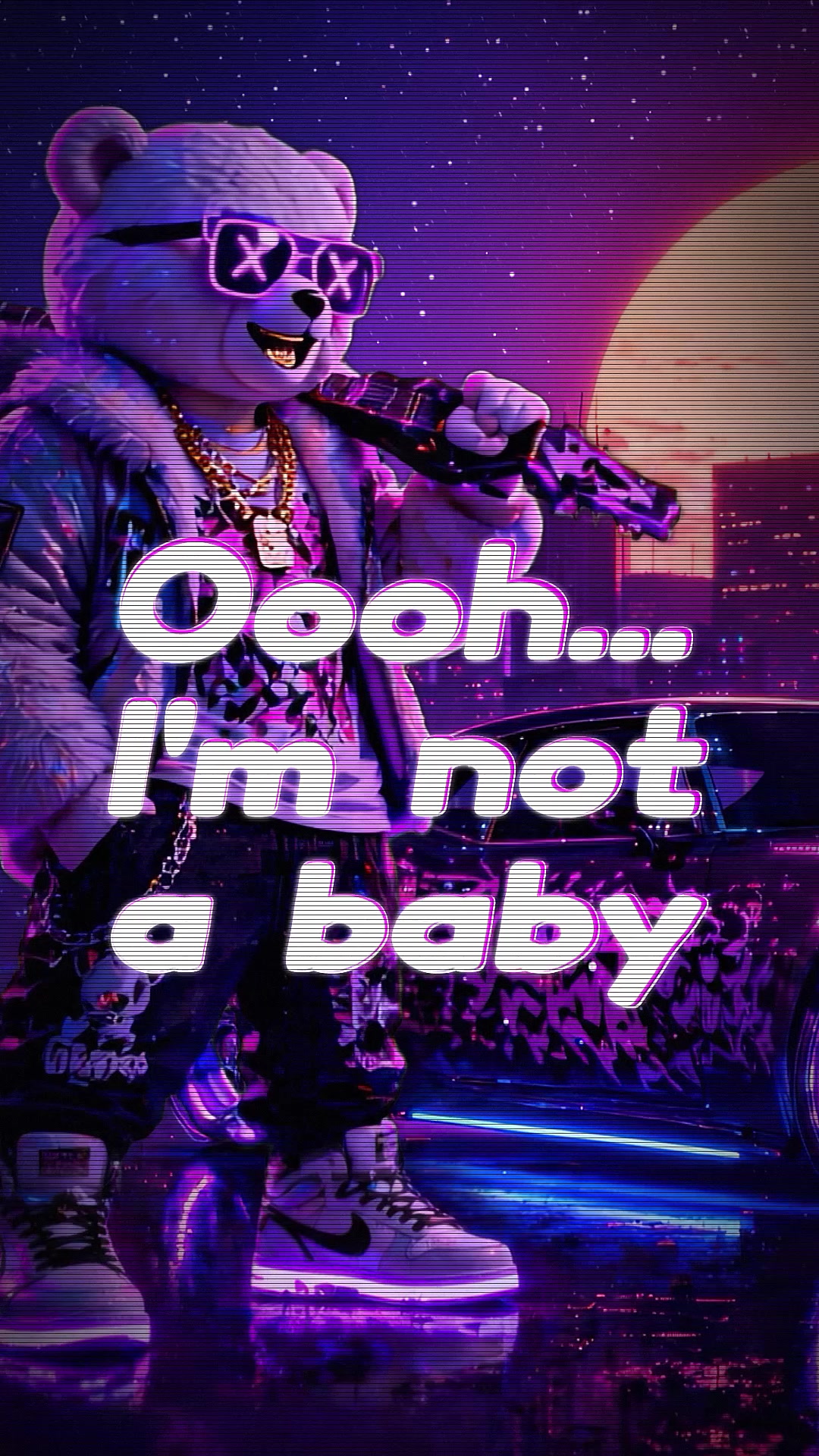
Every template comes in 16:9 and 9:16 (9:16 export on the paid plan).

Plans
A plan for every creator
Preview and try everything free. Go Unlimited for HD exports without the watermark, both sizes, and your own fonts.
Questions
What is a videoke video?
A song with its lyrics on screen so people can sing along. Videoke is the word used in the Philippines for karaoke.
Is this a videoke machine or a song library?
No. It's a website that makes a video of your own song with the lyrics on screen. You bring the song; there's nothing to install.
Do I have to type the lyrics?
No. Generate them from the song and each line is timed to the vocal. If you have the words, paste them and only the timing is done for you.
Which languages work?
Lyrics can be timed in 100 languages and translated into 77. If a template's font can't draw your script, the editor tells you before you export.
Is it free?
You can build and preview with no account. A free account exports one 720p video a day, in 16:9, with a small watermark. The paid plan, $9 a month or $65 a year, adds Unlimited HD exports up to 2K and 9:16.
Can I make a vertical version for Shorts and Reels?
Yes. Every template has a 9:16 version that keeps the same timing. Exporting 9:16 is on the paid plan.