

Visuals for Music
Upload your song and get visuals that move with it: bars, waves, rings, lyrics or a calm scene.
Or start from a template
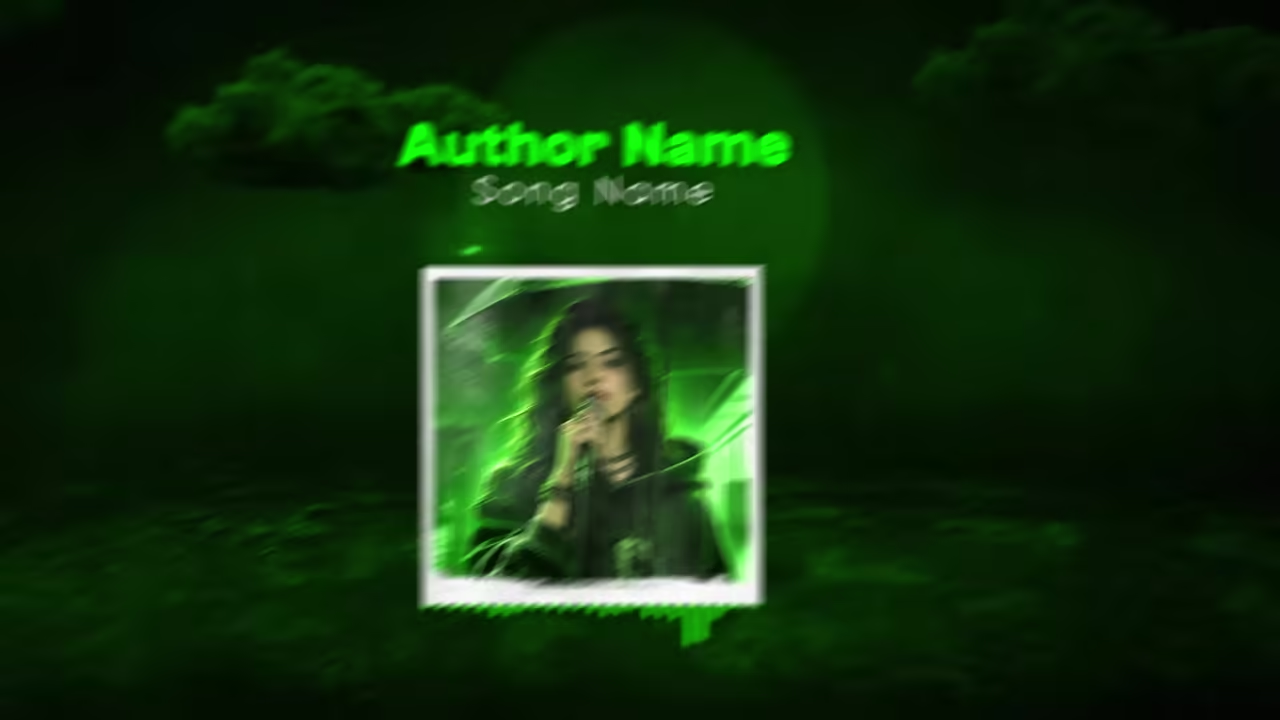
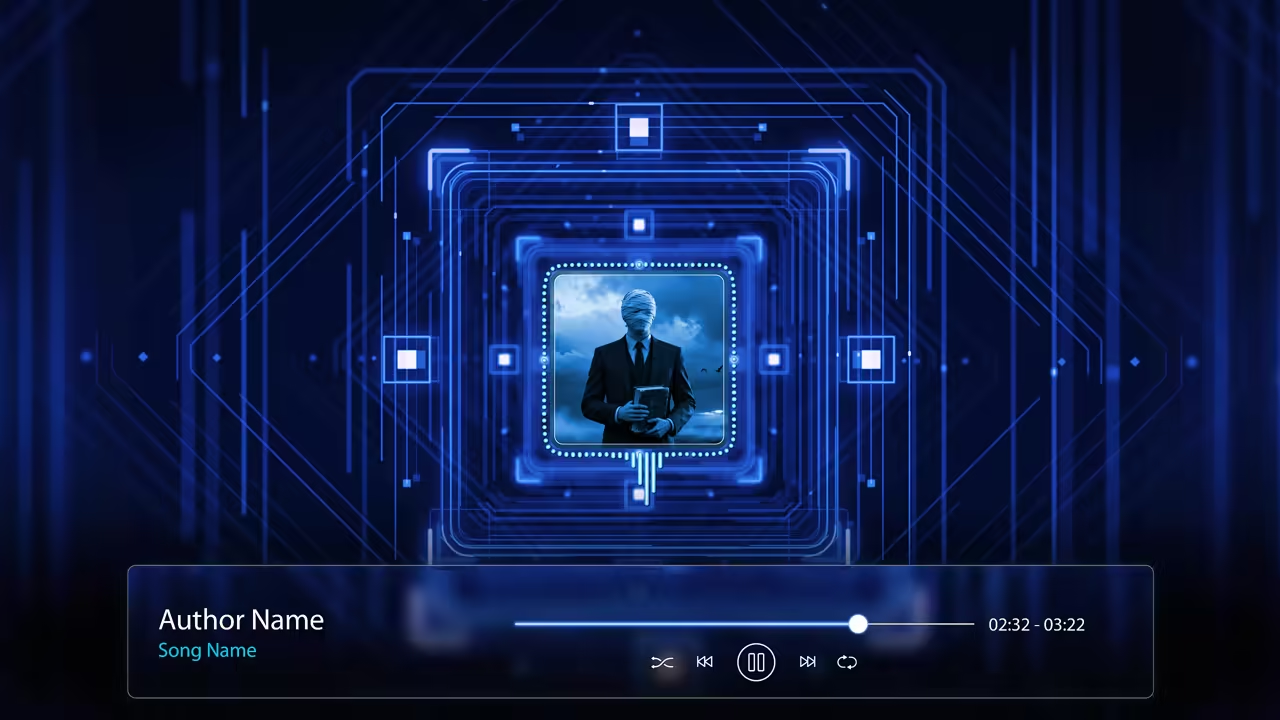
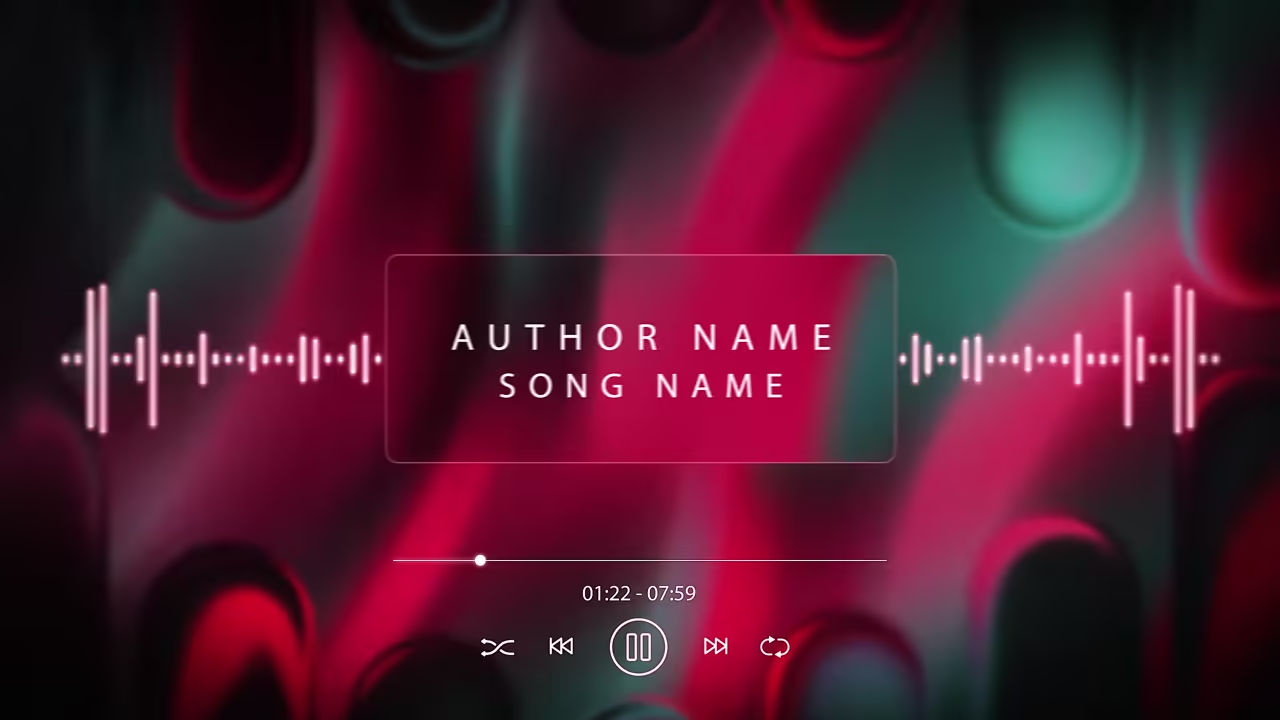
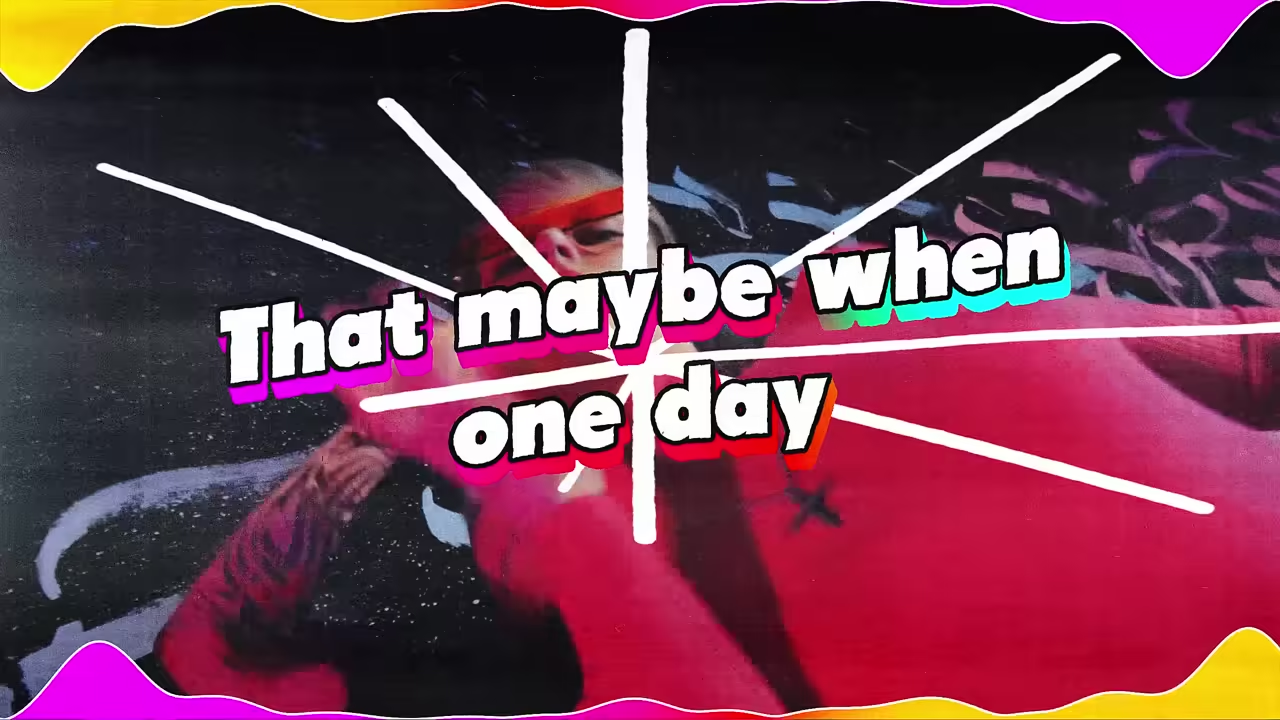
See it with a song
Audio React Visualizer, one of our templates.
How to make visuals for your music
Three steps, from your audio.
Pick a kind
A visualizer, a lyric video or a lo-fi scene.
Upload your song
MP3, WAV, FLAC, M4A or AAC, up to 100 MB.
Add your name and export
Your title, artist name and cover art, then 16:9 or 9:16.
Free plan: build and preview with no account. A free account exports one 720p video a day, in 16:9, with a small watermark.
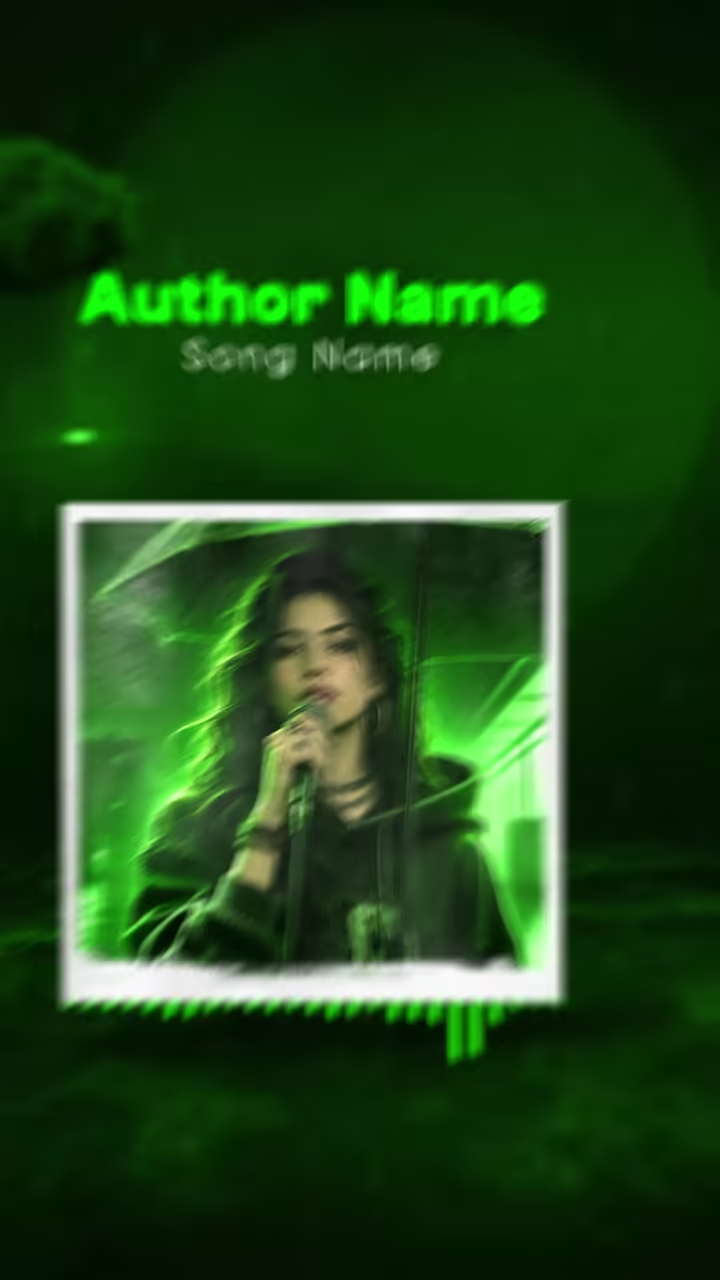
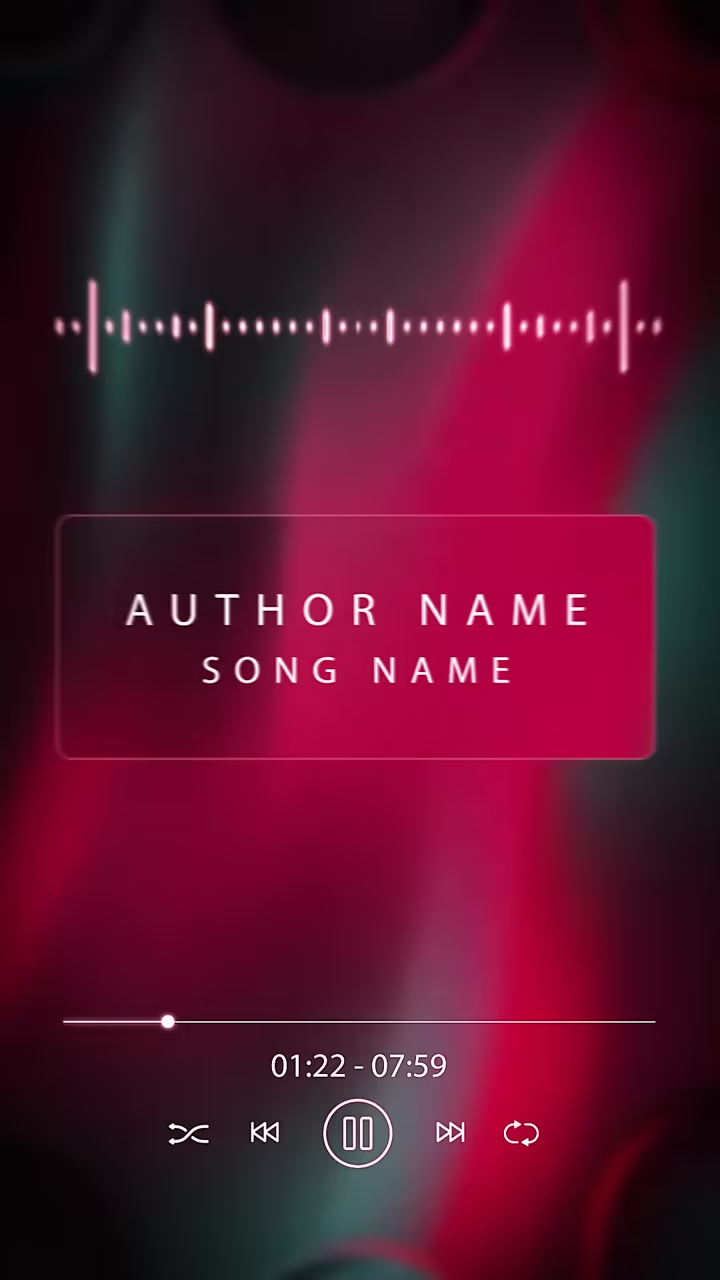
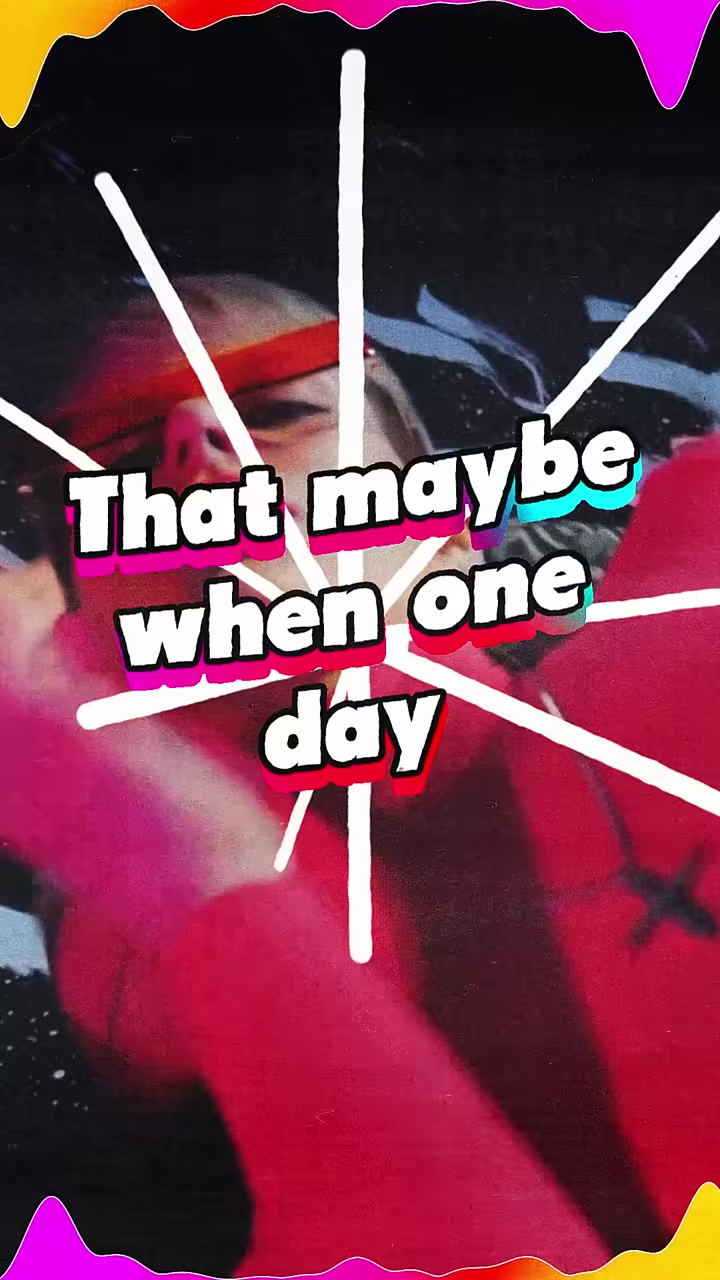
Templates to start from
Every template comes in 16:9 and 9:16 (9:16 export on the paid plan).

Plans
A plan for every creator
Preview and try everything free. Go Unlimited for HD exports without the watermark, both sizes, and your own fonts.
Questions
What are visuals for music?
Moving pictures that play with a song: a visualizer, lyrics on screen or an animated scene. Artists post them on YouTube, Shorts and Instagram instead of filming.
Do the visuals react to my music?
On visualizer templates, yes: the bars, waves and circles are drawn from the audio you upload. On lyric templates, each line follows the vocal.
Can I use them as live visuals at a show?
No. You get a video file made for one song. It isn't a live tool that reacts to sound in the room.
Can AI make the visuals from a prompt?
No. You pick a template and your song drives it. AI writes and times the lyrics; it doesn't make scenes from text.
Is it free?
You can build and preview with no account. A free account exports one 720p video a day, in 16:9, with a small watermark. The paid plan, $9 a month or $65 a year, adds Unlimited HD exports up to 2K and 9:16.
How long can my song be?
A free export can be up to 5 minutes long. The paid plan exports songs up to 20 minutes.