
Audio to Video
Upload your audio and pick a template. Get a visualizer, lyric video or loop instead of a blank screen.
Or start from a template


See it with a song
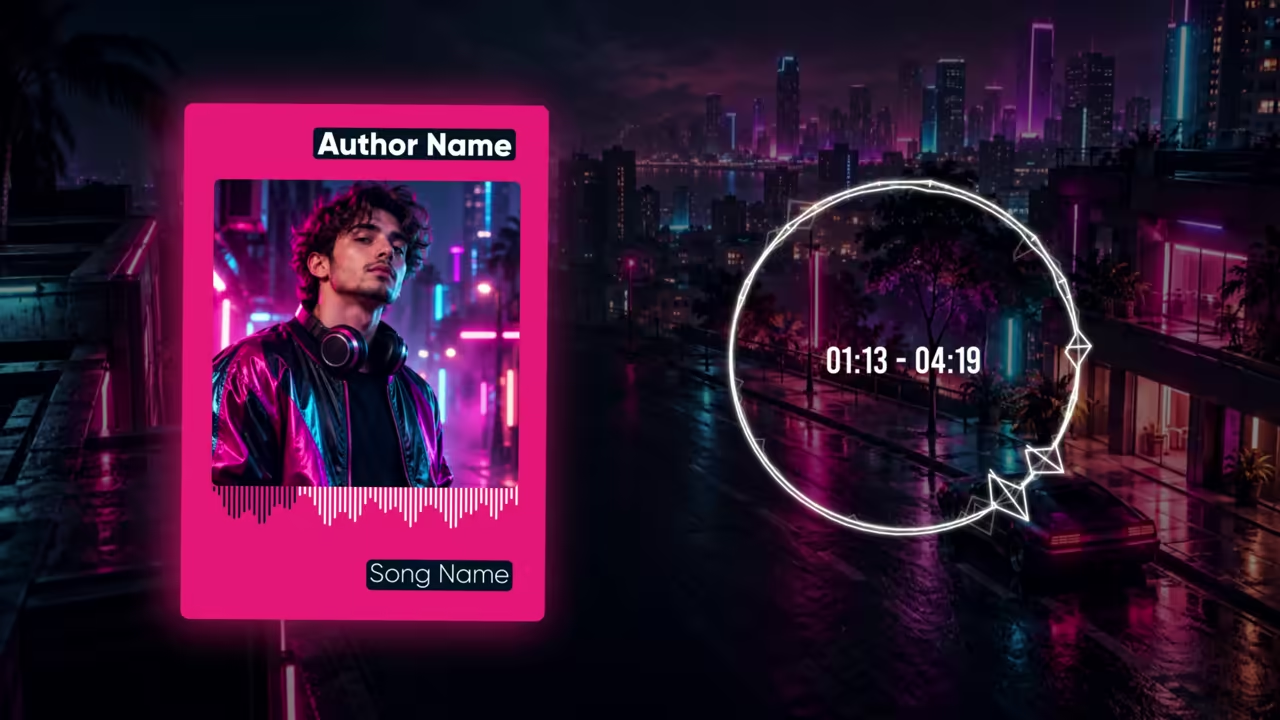
Circle Waveform Equalizer, one of our templates.
How to turn audio into a video
Three steps, in the browser.
Upload your audio
A song of at least 15 seconds, up to 100 MB.
Pick a template
A visualizer, a lyric video, a lo-fi loop or an animated album cover.
Export
16:9 for YouTube, or 9:16 for Shorts and Reels on the paid plan.
Free plan: build and preview with no account. A free account exports one 720p video a day, in 16:9, with a small watermark.
Templates for your audio
Visualizers, lyric videos, loops and covers, in 16:9 and 9:16.
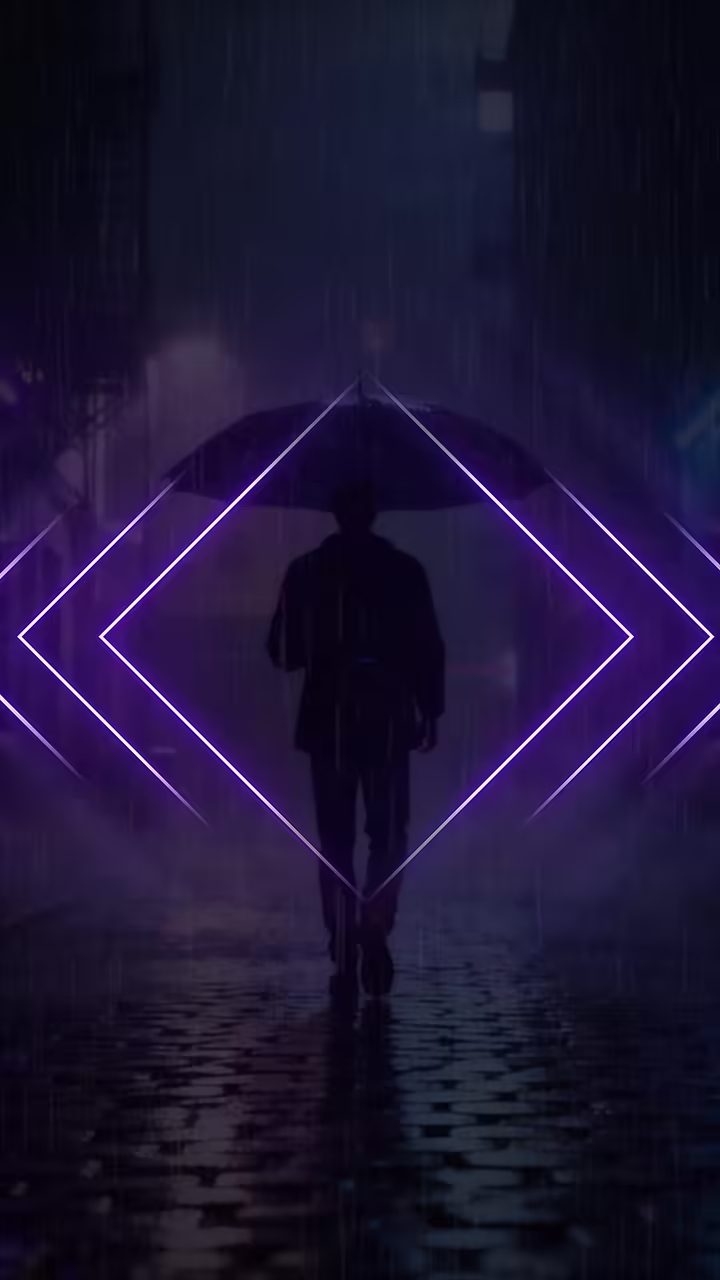


Plans
A plan for every creator
Preview and try everything free. Go Unlimited for HD exports without the watermark, both sizes, and your own fonts.
Questions
Is this a file converter?
No. Onemaker.io turns your audio into a designed video from a template, such as a visualizer or a lyric video. It does not change file formats.
Is it free?
You can build and preview a full video with no account. A free account exports one 720p video a day, in 16:9, with a small watermark. The paid plan, $9 a month or $65 a year, removes the watermark, adds 9:16 and exports up to 2K.
Which audio files can I upload?
MP3, WAV, FLAC, M4A or AAC, up to 100 MB. A song needs to be at least 15 seconds long.
How long can my song be?
A free export can be up to 5 minutes long. The paid plan exports songs up to 20 minutes.
Do I need an account to try it?
No. Open a template, upload your song and preview the whole video with no account. You sign in only when you export.
Need the audio out of a video instead?
Use our free Video to MP3 tool. It pulls the audio at up to 320 kbps, with no sign-up.
Can I make a vertical version for Shorts and Reels?
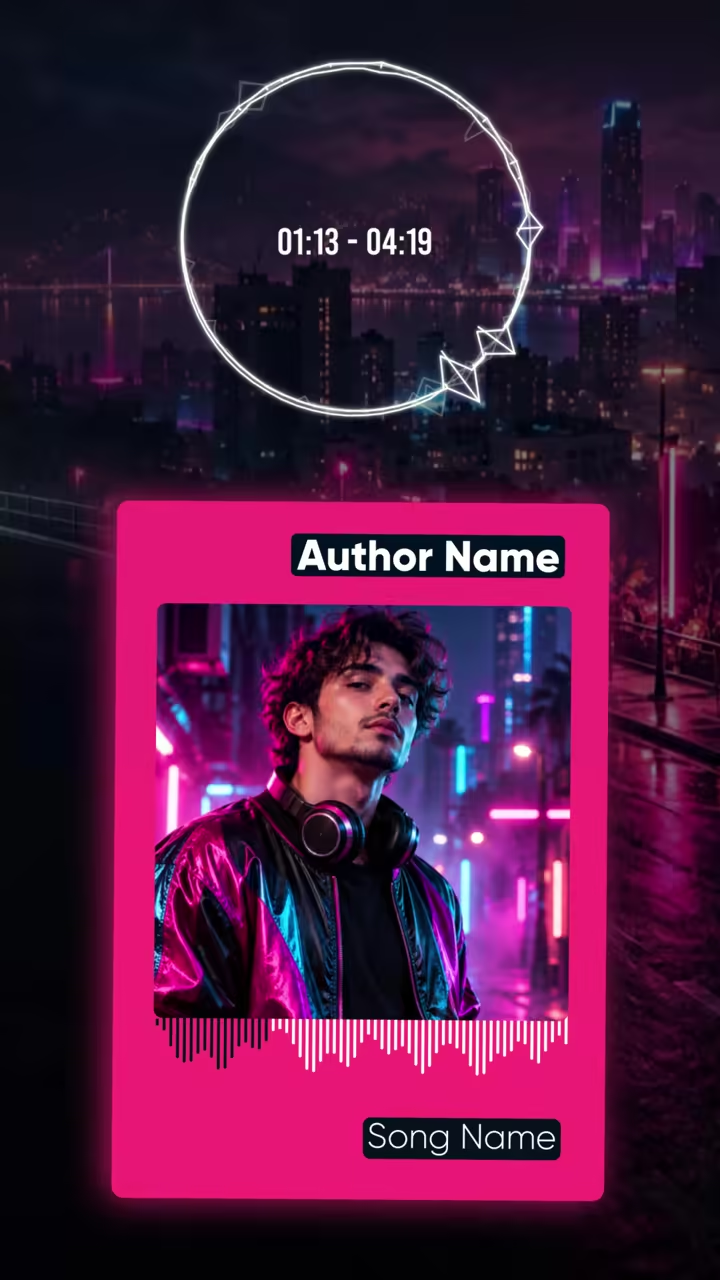
Yes. Every template has a 9:16 version that keeps the same timing. Exporting 9:16 is on the paid plan.