

MP3 to Video
Got an MP3 and need a YouTube video? Upload it, pick a look, export a video that moves with it.
Or start from a template
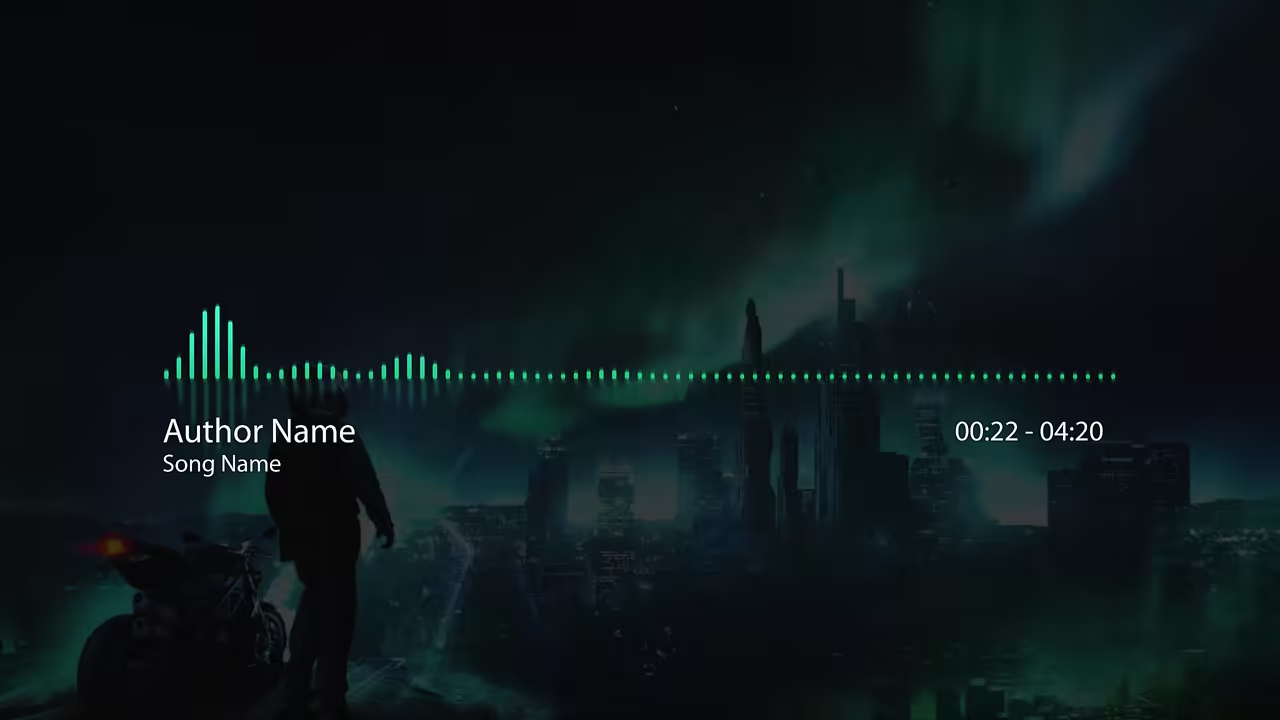
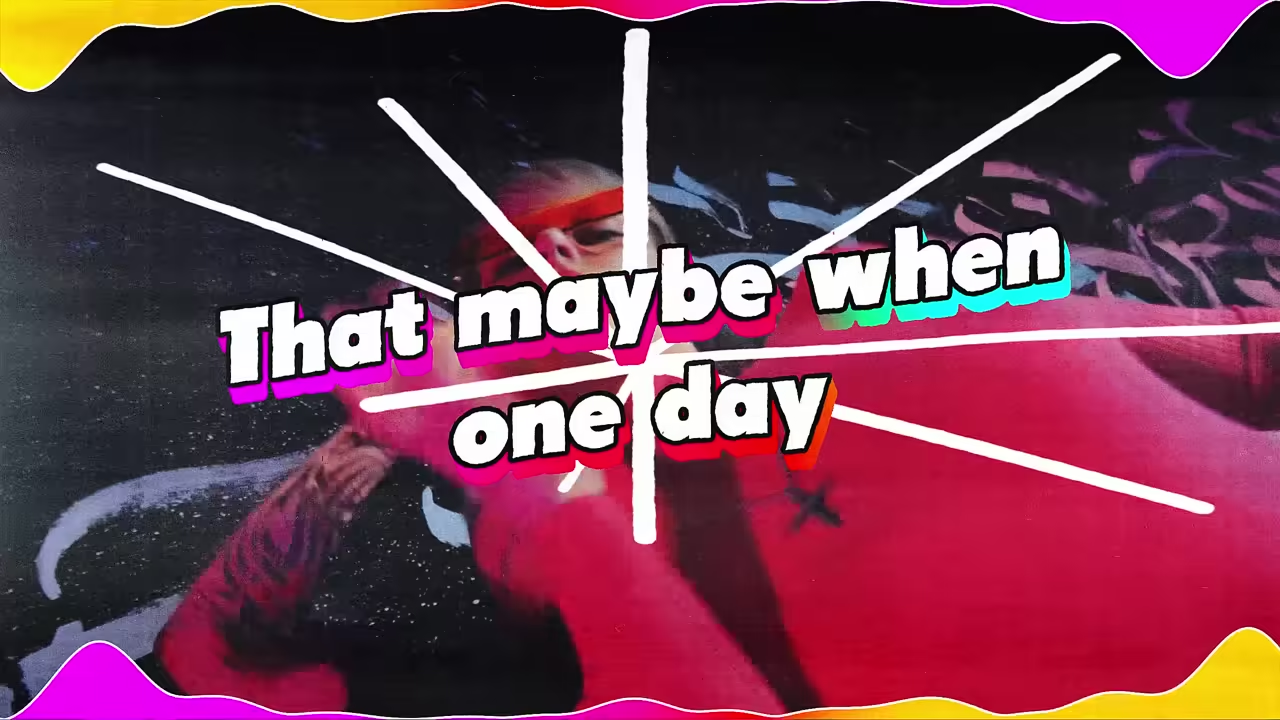
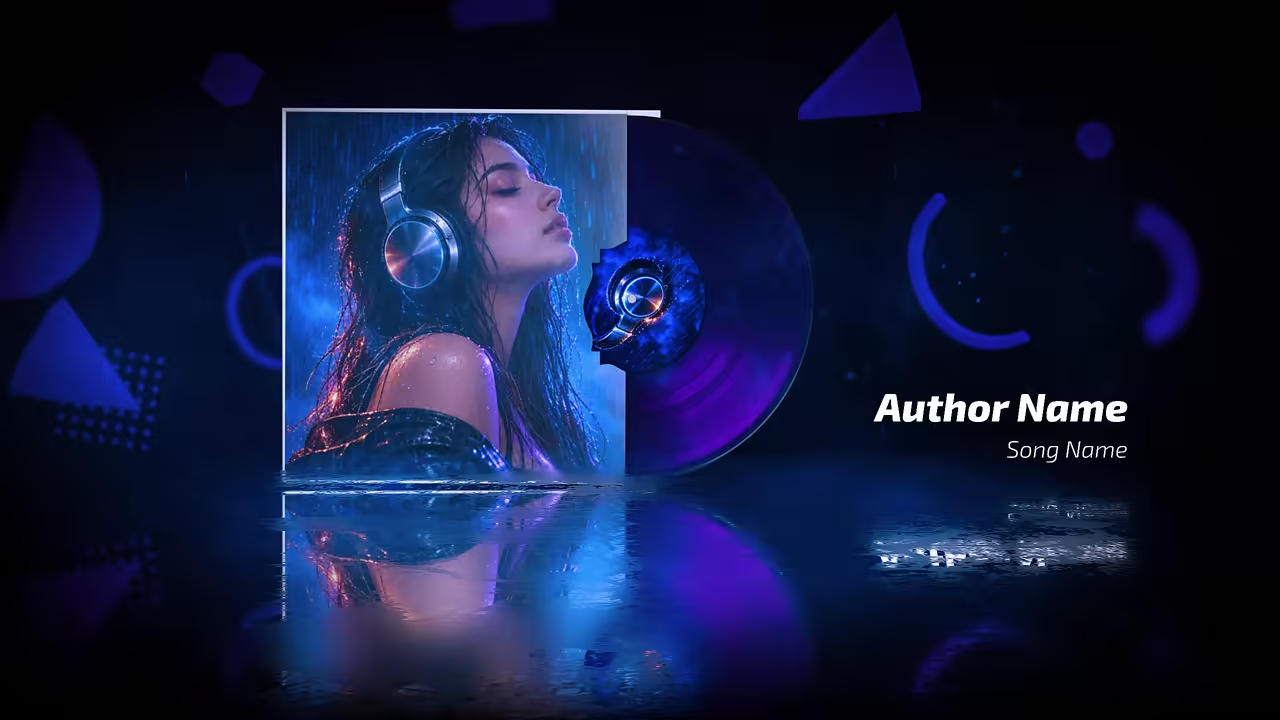

See it with a song
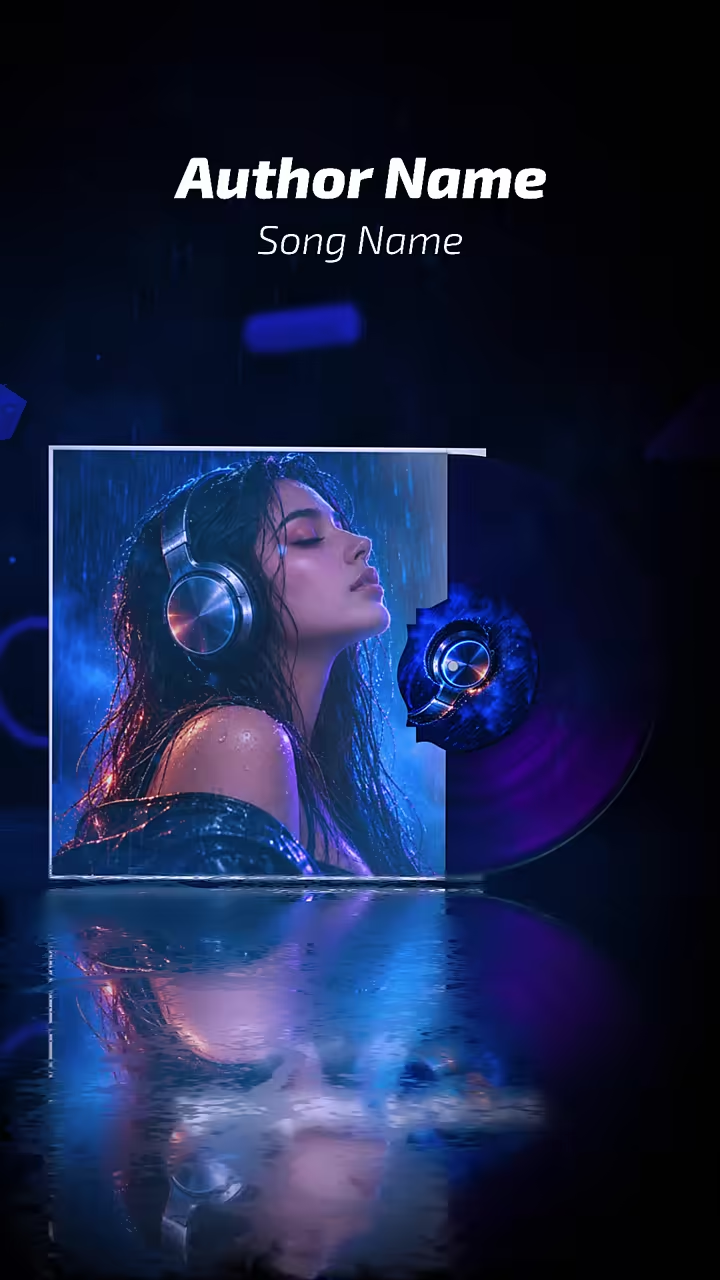
Neon Sound Wave Equalizer, one of our templates.
How to turn an MP3 into a video
Three steps, in the browser.
Choose your MP3
Any song of at least 15 seconds, up to 100 MB.
Pick a template
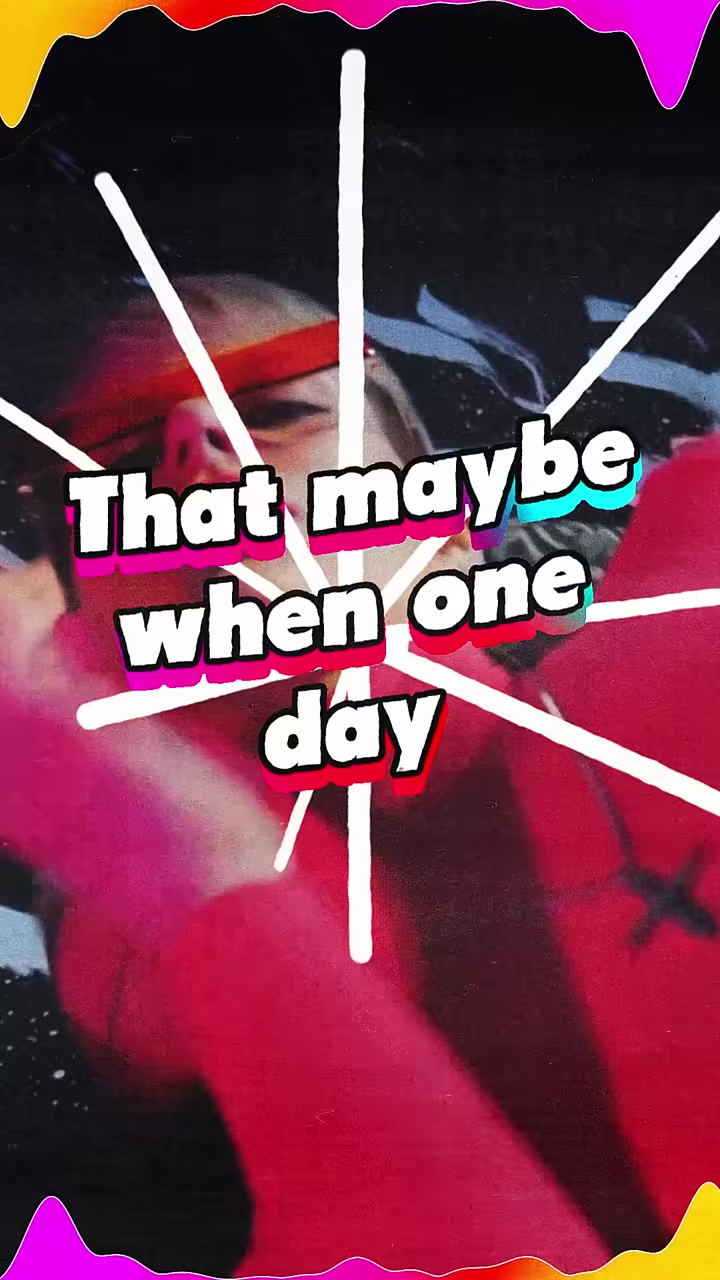
A visualizer, lyric video, lo-fi loop or animated cover.
Export the MP4
16:9 for YouTube; 9:16 for Shorts and Reels on the paid plan.
Free plan: build and preview with no account. A free account exports one 720p video a day, in 16:9, with a small watermark.
Templates for your MP3
Visualizers, lyric videos, loops and covers, in 16:9 and 9:16.

Plans
A plan for every creator
Preview and try everything free. Go Unlimited for HD exports without the watermark, both sizes, and your own fonts.
Questions
Is it free to turn an MP3 into a video?
You can build and preview a full video with no account. A free account exports one 720p video a day, in 16:9, with a small watermark. The paid plan, $9 a month or $65 a year, removes the watermark, adds 9:16 and exports up to 2K.
What file do I get?
An MP4 video, ready to upload to YouTube, Shorts, Reels or TikTok.
Can I add my cover art?
Yes. Visualizer templates have a frame for your artwork, plus your title and artist name.
Does it change my audio?
No. Your song plays as you uploaded it, under the template.
How long can my song be?
A free export can be up to 5 minutes long. The paid plan exports songs up to 20 minutes.
Do I need an account to try it?
No. Open a template, upload your song and preview the whole video with no account. You sign in only when you export.
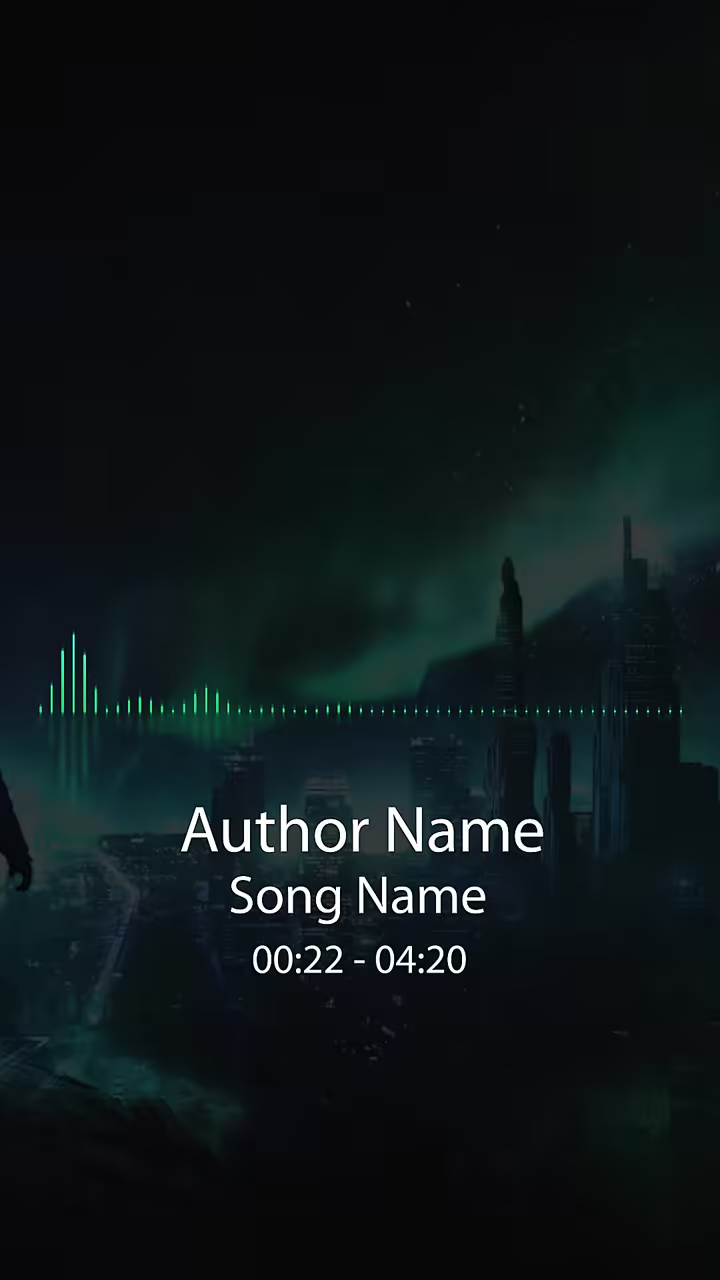
Can I make a vertical version for Shorts and Reels?
Yes. Every template has a 9:16 version that keeps the same timing. Exporting 9:16 is on the paid plan.