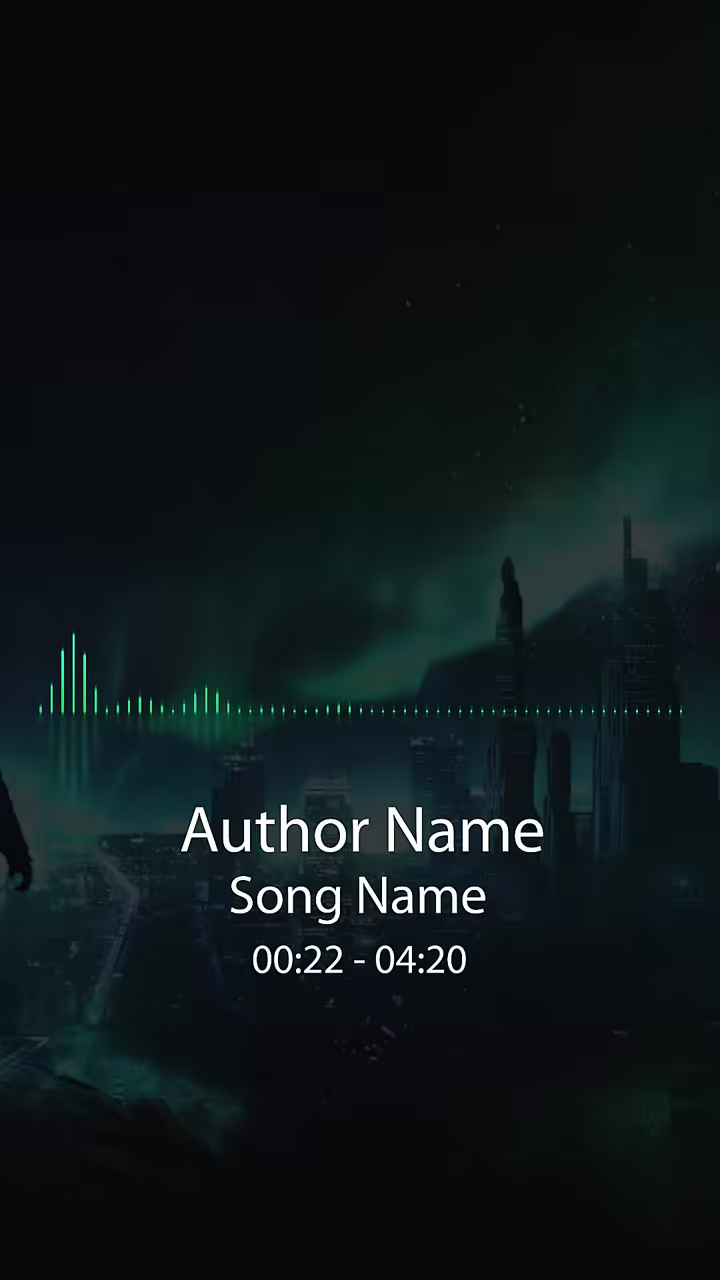

How to Make a Music Visualizer for YouTube
Use your final mix and your cover art, pick a style that fits the song, add your name and title, then export a 16:9 video for YouTube.
Or start from a template

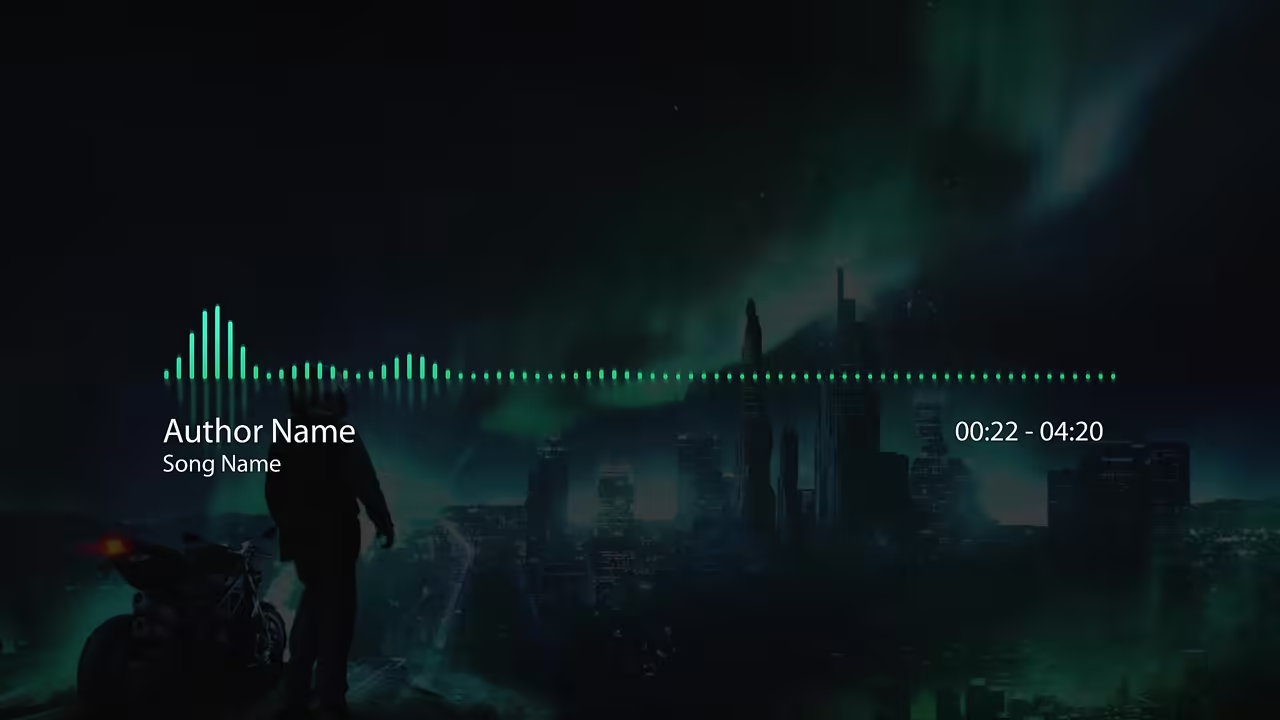


See it with a song
Circle Audio Spectrum, one of our templates.
The short answer
A music visualizer is a video where shapes move to your song: bars jump on the loud parts, rings pulse, waves swell and settle.
For YouTube you need the audio file, a picture such as your cover, and a wide 16:9 export.
How to make a visualizer for YouTube, step by step
Start from the final mix
Use the finished track as an MP3 or WAV so the motion follows the version people will hear.
Get your cover art ready
A square JPG or PNG of the single or album works on templates with a picture slot.
Pick a style that fits the song
Spectrum rings for beat-heavy tracks, a calm wave or a vinyl for acoustic, a cassette for retro and lo-fi.
Add your artist name and song title
Viewers who land on the video should see whose song it is.
Preview the whole song
Watch it once from start to end before you export.
Export 16:9 for the YouTube video
Make a 9:16 version too if you also post Shorts.
Make it here
Upload your song and the bars, waves and circles are drawn from it, so they move with your track.
Templates with a picture slot take your cover: JPG, PNG, WEBP or GIF, up to 25 MB.
Some templates have a Settings tab with sliders for colors, speed and effects.