

Music Video Generator
Upload your song, pick a template, and get a lyric video, visualizer or loop built around your track.
Or start from a template
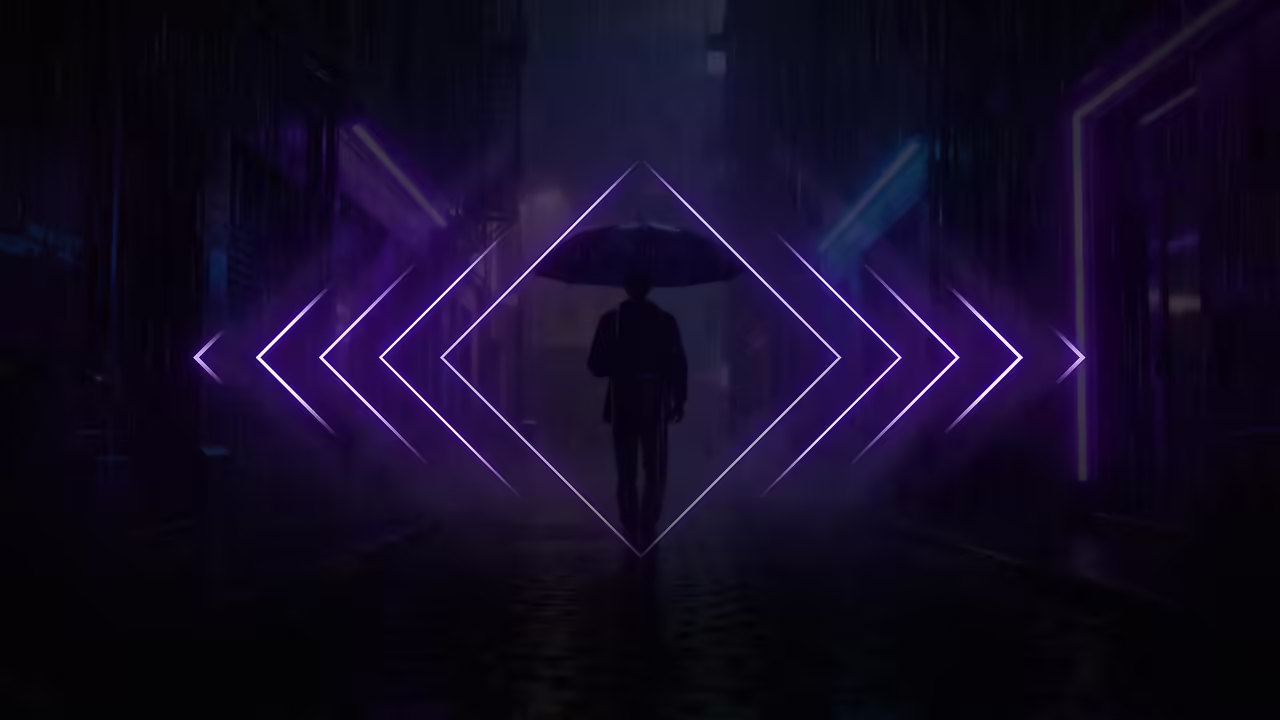
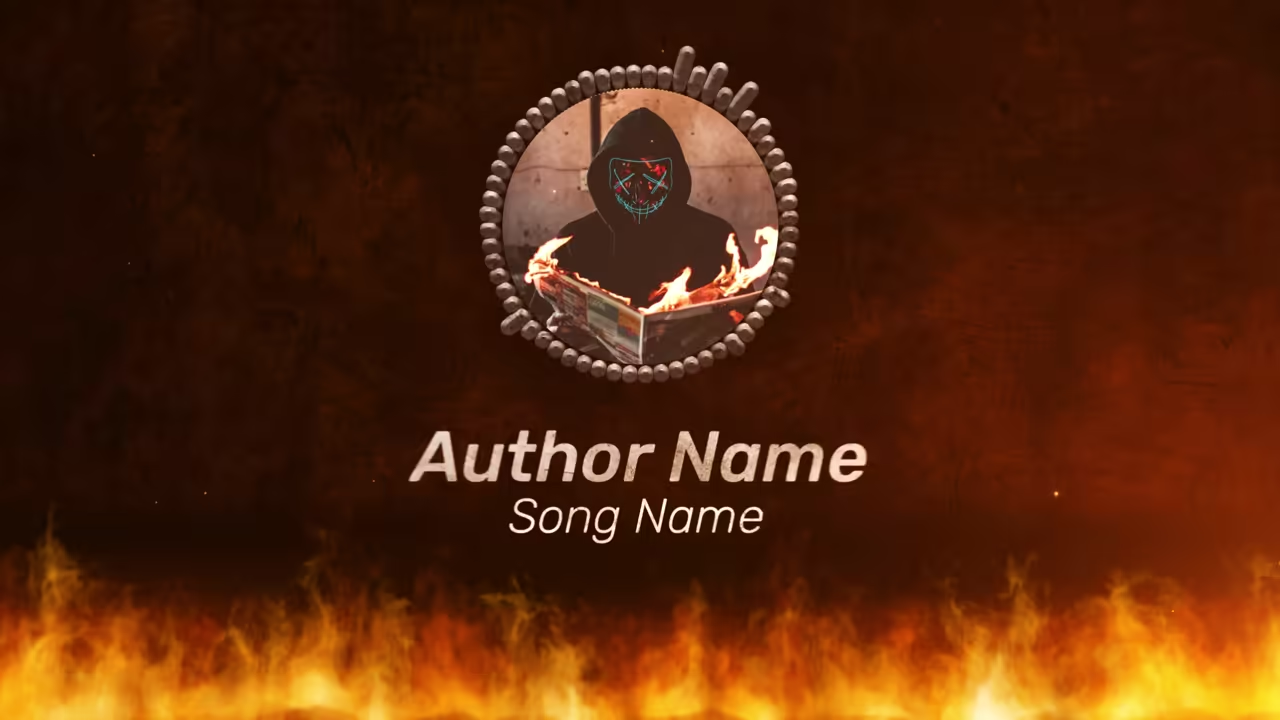


See it with a song
Beat Hero Lyrics, one of our templates.
How to make a music video from your song
Three steps, from your audio.
Pick a kind
A lyric video, a music visualizer, a lo-fi loop or animated album art.
Upload your audio
MP3, WAV, FLAC, M4A or AAC. Lyrics can be timed to the vocal by AI.
Preview and export
A preview usually takes 30 seconds to 2 minutes; an HD export, 10 to 15.
Free plan: build and preview with no account. A free account exports one 720p video a day, in 16:9, with a small watermark.
Start from a template
Every template comes in 16:9 and 9:16 (9:16 export on the paid plan).
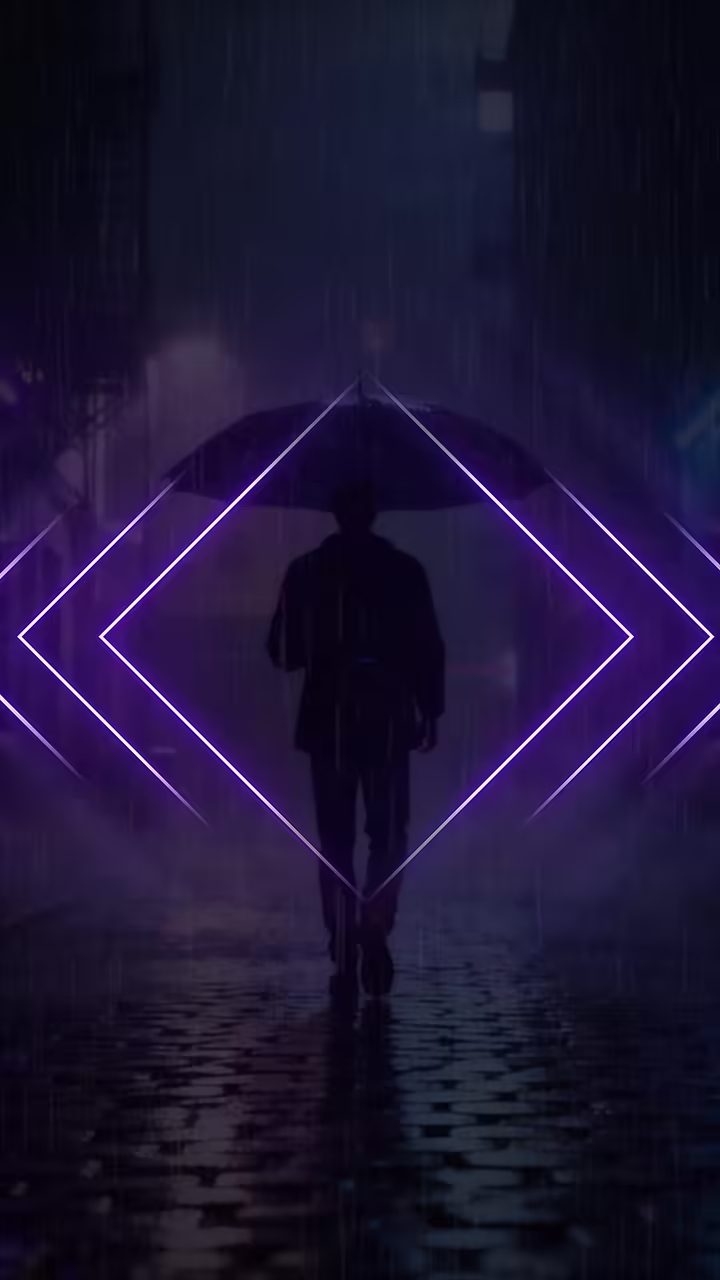
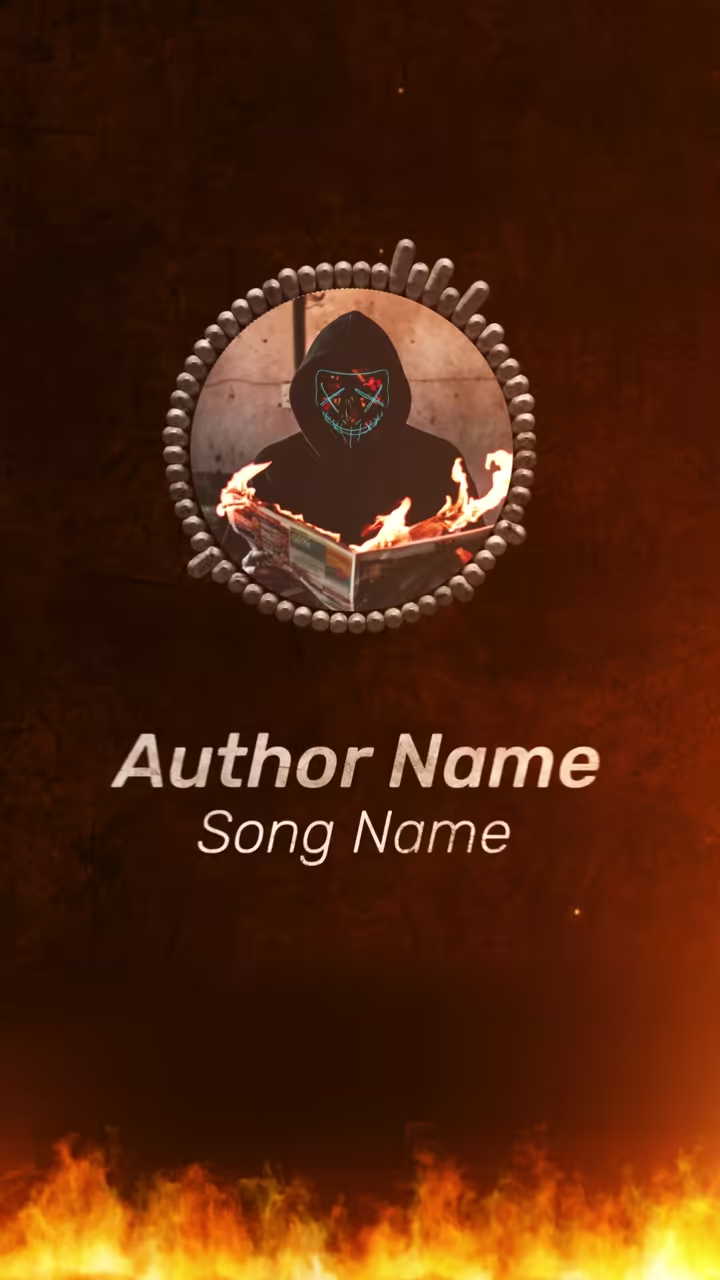


Plans
A plan for every creator
Preview and try everything free. Go Unlimited for HD exports without the watermark, both sizes, and your own fonts.
Questions
Can it make a music video from a text prompt?
No. Onemaker.io is template-based: you pick a lyric video, visualizer, loop or album-art template and your song drives it. AI writes and times the lyrics; it doesn't make scenes from a prompt.
Can I make a music video from an MP3?
Yes. Upload an MP3, WAV, FLAC, M4A or AAC file up to 100 MB, at least 15 seconds long, and pick a template.
Is it free?
You can build and preview with no account. A free account exports one 720p video a day, in 16:9, with a small watermark. The paid plan, $9 a month or $65 a year, adds 2K and 9:16.
How long can the video be?
As long as your song: up to 5 minutes on the free plan, and up to 20 minutes on the paid plan.
Can I use my own photos or clips?
Templates with picture or video slots take your own files: photos as JPG, PNG, WEBP or GIF, video clips as MP4, MOV or WEBM.
How are the lyrics timed?
Generate the lyrics from your song or paste yours; every line is timed to the vocal. You can edit any line and nudge its timing on the timeline.